Your Account
Manage your profile, configure notifications, toggle light/dark theme, and get help when you need it.
Quick checklist
- Update your profile photo and bio
- Check the bell icon for any unread notifications
- Configure notification preferences — article, portfolio, and email
- Toggle between light and dark theme
- Submit a test support request
Pro tips
- Add at least one social link so readers can verify your identity in comments.
- Disable email for article alerts but keep portfolio alerts on if your inbox feels busy.
- Download receipts from the billing portal if your accounting team needs proof of purchase.
- Include screenshots and page URLs when filing support tickets to speed up troubleshooting.
Account settings control how you appear to others, what alerts you receive, and how you get help. Five minutes of setup and the platform works the way you want it to.
Profile and billing
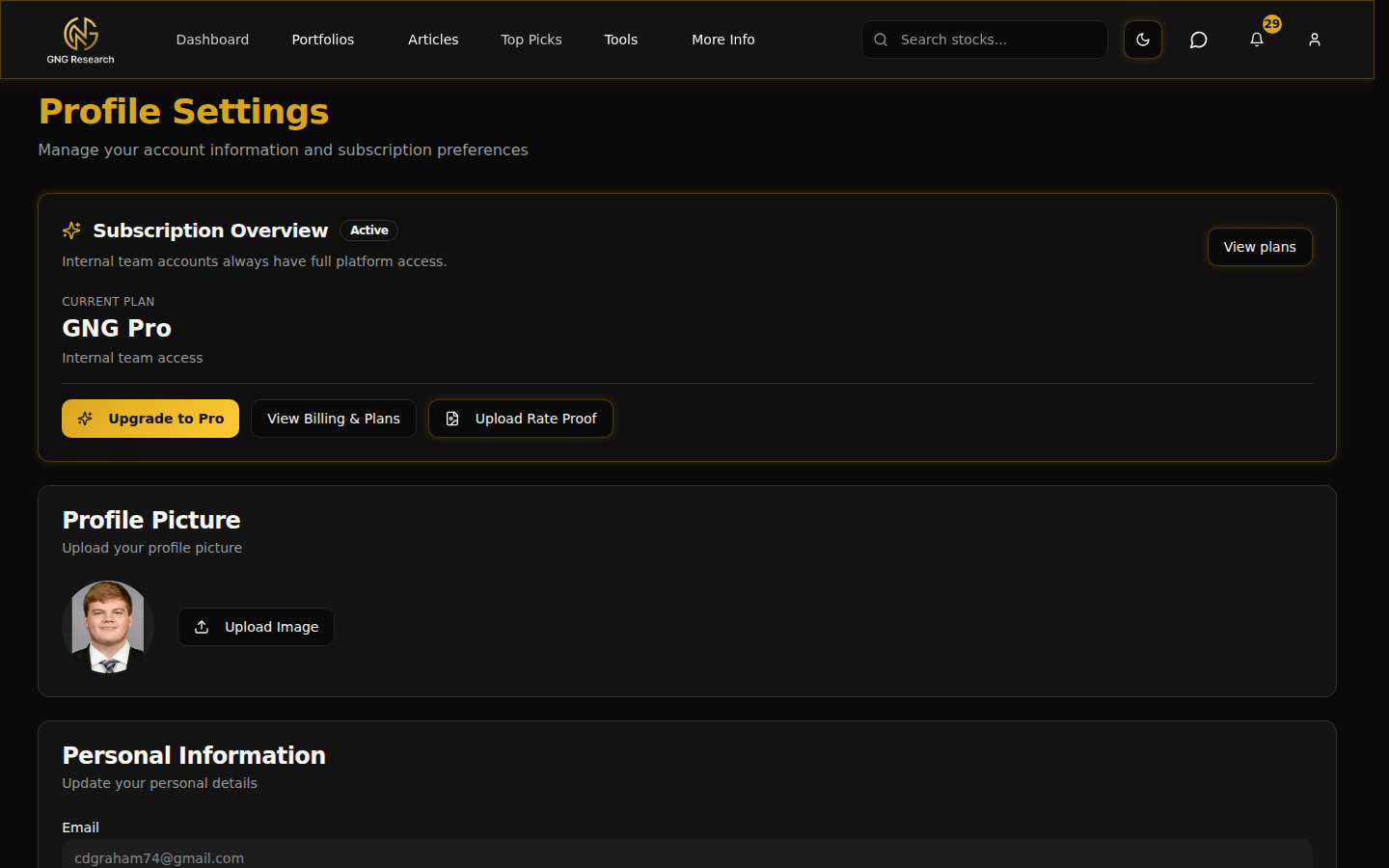
Upload a photo, add your name and bio so other members recognize you. Add social links so readers can verify your identity in comment threads.
The plan card shows your tier, renewal date, and trial status. Click 'Manage Billing' to open the Stripe portal for receipts, payment changes, or upgrades.
Notifications
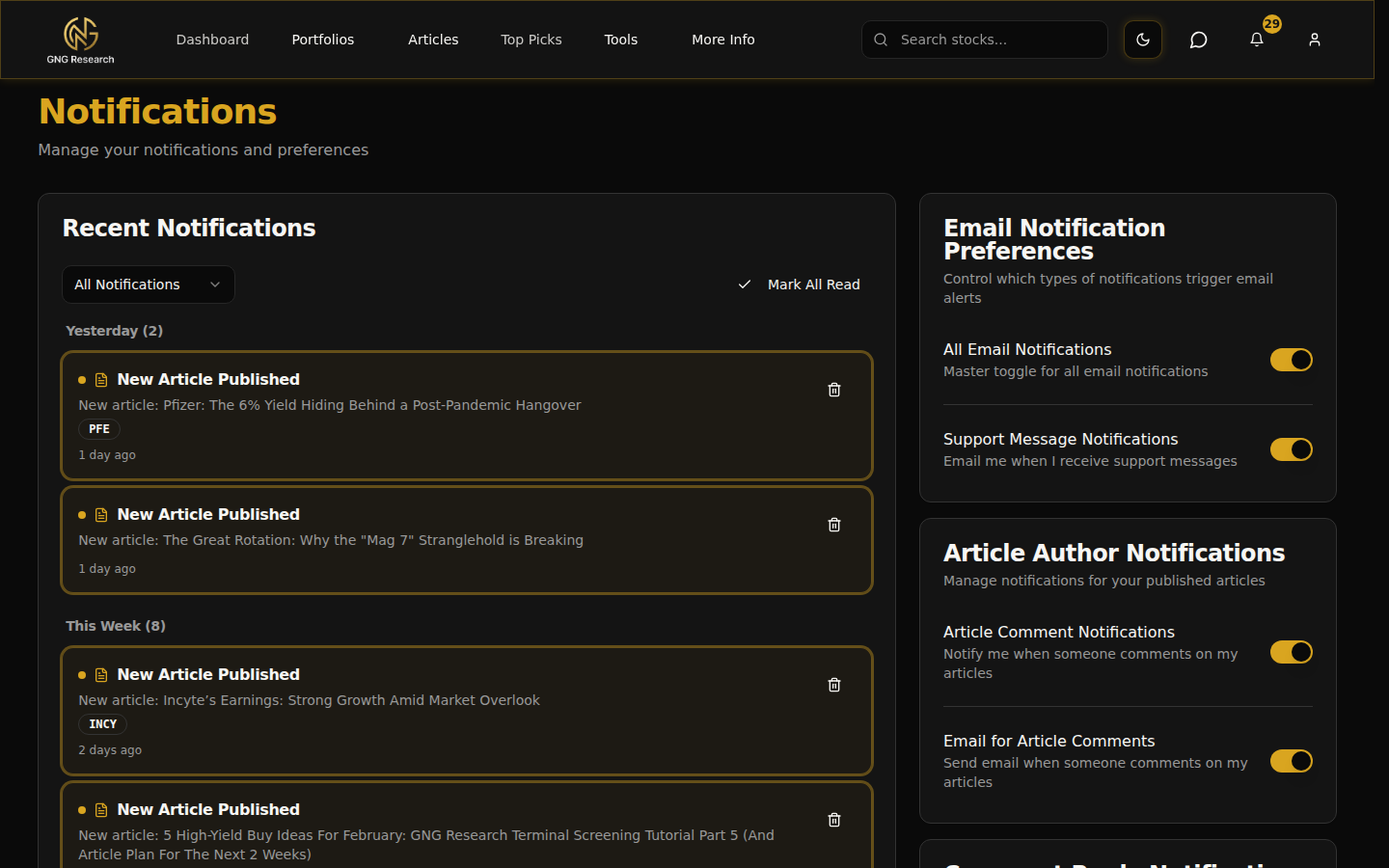
Tap the bell icon in the top-right to see your notification feed. Unread items appear highlighted — clicking one opens the relevant page and clears the badge.
Toggle Article Notifications, Portfolio Alerts, and Email Notifications on or off in preferences. Changes save instantly.
Theme
GNG supports light and dark themes. Toggle between them from the profile icon in the navigation bar. Your preference persists across sessions.
Support
Submit a request with a subject, details, and context. Past requests appear with colored status badges. The Support Messages inbox lists every ongoing thread with unread counts.
Reply in-app to keep everything in one place.
FAQs
- Where do I change my subscription tier?
- Click 'Manage Billing' from the plan card on your profile page. It opens the Stripe portal where you can upgrade, downgrade, or swap payment methods.
- Can I pause email notifications without losing in-app alerts?
- Yes. Toggle off Email Notifications in preferences but keep Article and Portfolio toggles on. You'll still see the bell badge.
- Does changing my profile photo update everywhere?
- Yes — the avatar updates across the entire platform (navbar, comments, support threads) within a few seconds.
- Do support replies also email me?
- Yes. Every reply posts in-app and sends an email so you can respond from anywhere.