    Research Terminal

    Free dividend stock screener

    Discover dividend stocks and exchange-traded funds (ETFs) by yield, payout ratio, ex-dividend date, and pay month. You can sort, compare, and save the results.

    Free with a free GNG account. Pro Lite adds core columns; GNG Pro adds scores and exports.

    You must be logged in to view this page. Log in or create a free account.

    Free to join. No credit card. Takes seconds.

    Overview

    Research Terminal at a glance

    The GNG Research Terminal is a free dividend stock screener for US-listed stocks and ETFs. Filter by dividend yield, dividend per share, payout ratio, ex-dividend date, and the months a company pays dividends. Then compare results by price, market cap, valuation, balance sheet strength, and price trend in a sortable table.

    For a high dividend stock screener, start with the Income screen. Use a yield of at least 3%, set the payout ratio cap near 75%, and keep debt-to-equity below 1. For REITs, utilities, and other asset-heavy firms, the payout ratio uses operating cash flow rather than only GAAP earnings. The EPS payout ratio gives a stricter earnings view. Sort by yield and save the screen as a view for later.

    The tool also works as a general stock screener. You can set the asset type to ETF or preferred, limit stocks to REIT industries, or filter by P/E, price-to-book, market cap, beta, and RSI. You can also narrow the table to your portfolio holdings, open company data, or send a sample of the displayed results to GNG Analyst with Analyze Screen.

    What you get

    • Dividend yield, payout ratio, and ex-dividend date filters
    • A pay month filter for stocks that pay monthly
    • A full table for US-listed stocks, ETFs and preferred shares
    • Free access to P/E, debt-to-equity, and RSI filters
    • Free income and quality starter screens
    • Pro Lite growth rates, GNG Pro scores and exports

    Product tour

    A closer look at Research Terminal

    Advanced filters

    Screen companies by profile, fundamentals, quality, growth, dividends and price ranges.

    Advanced Filters group company profile, fundamentals, quality, growth, dividends, and price ranges. Use the Income screen, with a yield of at least 3%, or the Quality screen, with debt-to-equity below 1 and current ratio above 1. Add payout ratio or pay month filters, then narrow the list by sector, industry, exchange, or country. Value and Growth starter screens are clearly marked for GNG Pro users.

    • Combine filters for dividends, valuation, and individual companies
    • Omit missing values when the filter allows it
    • Filter stocks, ETFs, and preferred shares by asset type
    • Start with a pre-made screen and adjust it to fit your needs

    Export your screen

    With GNG Pro, download the current screen as a CSV, Excel or PDF file.

    The Export menu supports CSV for data work, Excel for spreadsheet tasks, and PDF for easy review. If you have GNG Pro or a higher-tier plan, you can export your dividend shortlist with the chosen fields for later analysis or for a dated research log. Available exports depend on your account plan.

    • CSV for data analysis
    • Excel for spreadsheet work
    • PDF for easy-to-read tables

    Features

    What you can do with Research Terminal

    Dividend screening options

    Filter and sort results by dividend yield, annual dividend per share, dividend payout ratio, EPS payout ratio, ex-dividend date, and the latest payment date. Free users can access these fields, Pro Lite adds three-year and five-year dividend growth rates, and GNG Pro adds the FFO payout ratio for equity REITs.
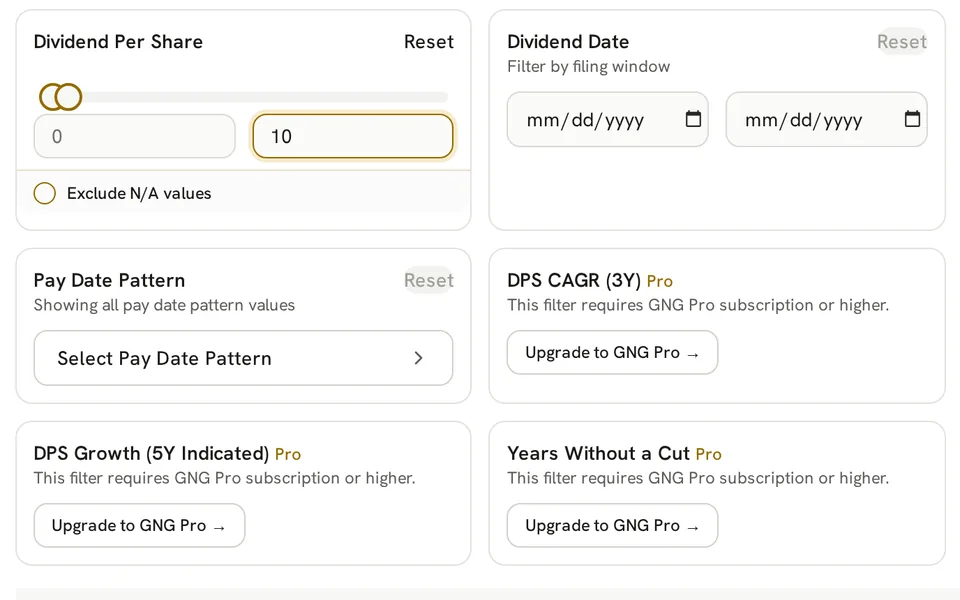
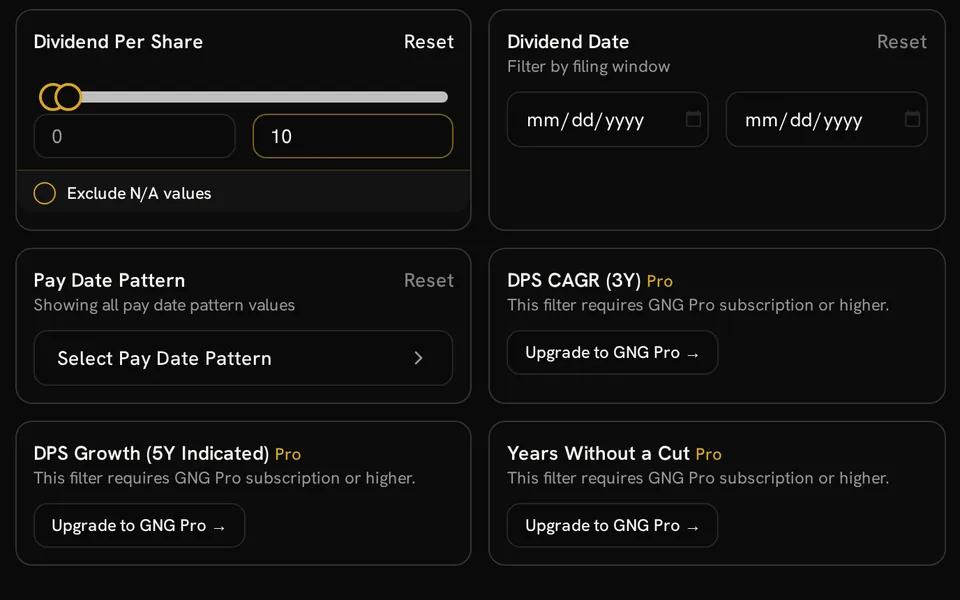
    Research Terminal dividend filters for dividend per share, payment dates and pay patterns, with Pro dividend-growth controls

    Monthly and quarterly dividend distributors

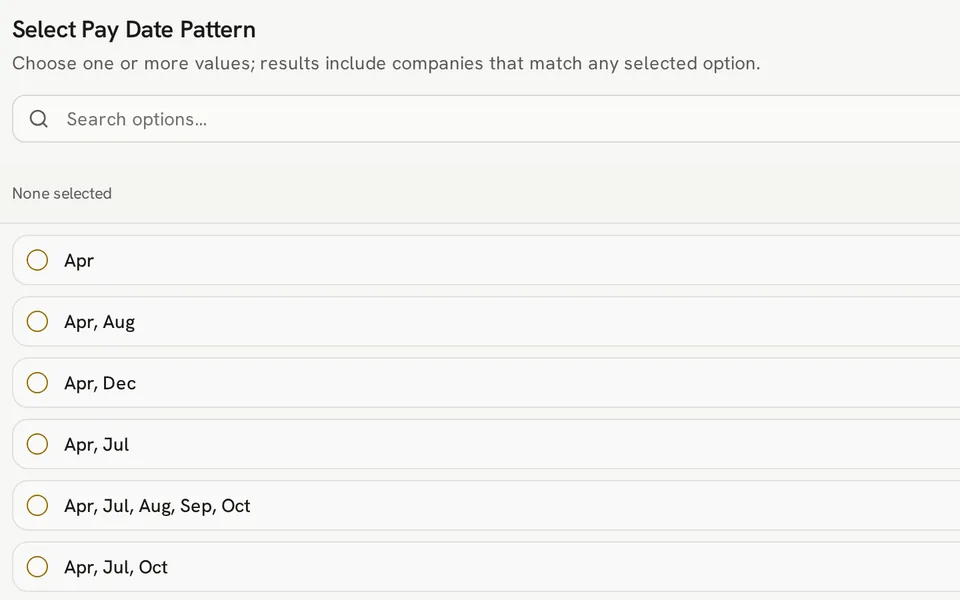
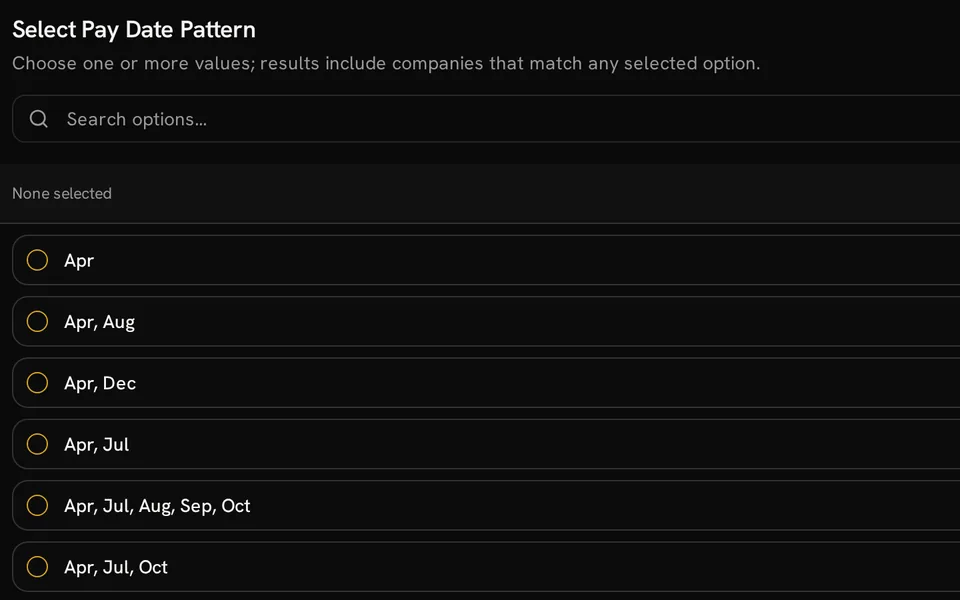
    Pay Date Pattern shows typical dividend months from recent records, using the ex-dividend date when the payment date is missing. Choose the all-months pattern to look for monthly payers, or combine different quarterly patterns. Future payment timing can change.

    Pay Date Pattern selector listing combinations of dividend months, including Apr, Jul, Oct

    Screening ETF and preferred dividends

    Choose ETF or preferred to filter funds and preferred stocks by dividend yield, dividend per share, pay months, price, and RSI. Leave out payout ratio and ex-dividend date for ETF screens, since those fields apply to stocks only. You can also limit stocks to REIT industries such as residential, retail, or mortgage REITs.

    Valuation and technical filters

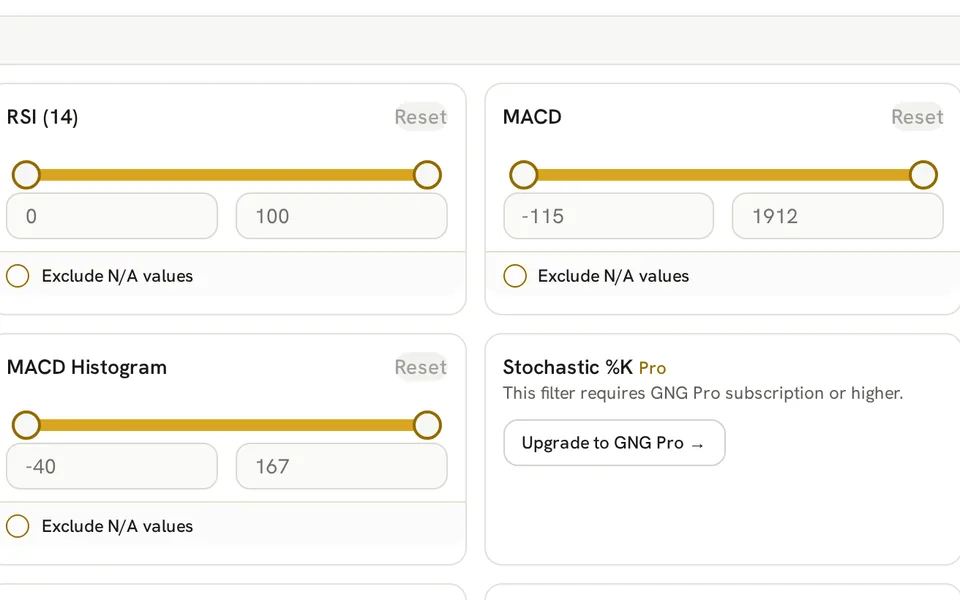
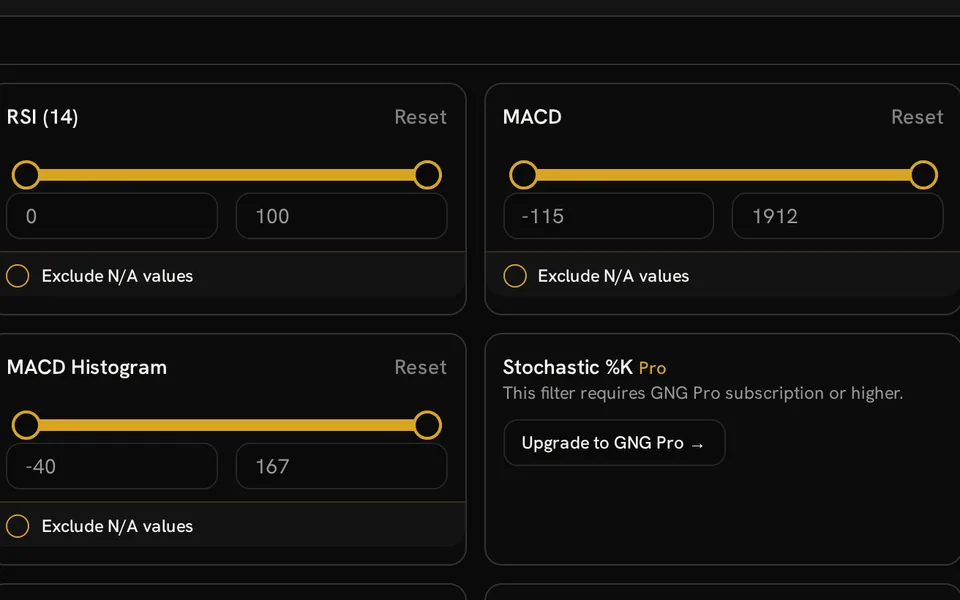
    Add filters such as P/E, forward P/E, price-to-book, price-to-sales, market cap, debt-to-equity, and interest coverage to your dividend screen. You can also track price trends with RSI over 7, 14, and 21 days, plus MACD, the 50-day and 200-day moving averages, the 52-week range, and 252-day price momentum.

    Research Terminal range controls for RSI (14), MACD and MACD Histogram beside a Pro Stochastic %K filter

    Customized column layout

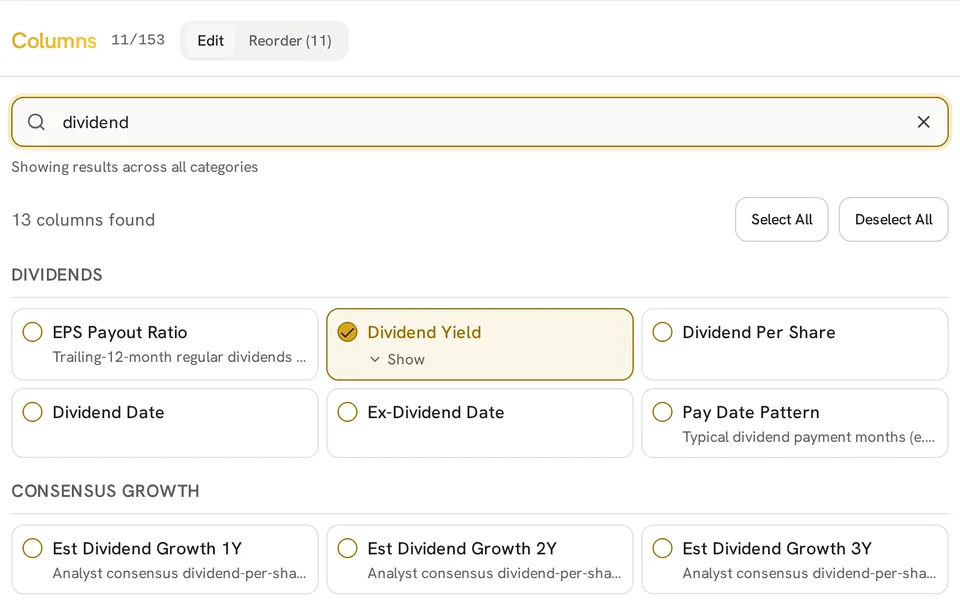
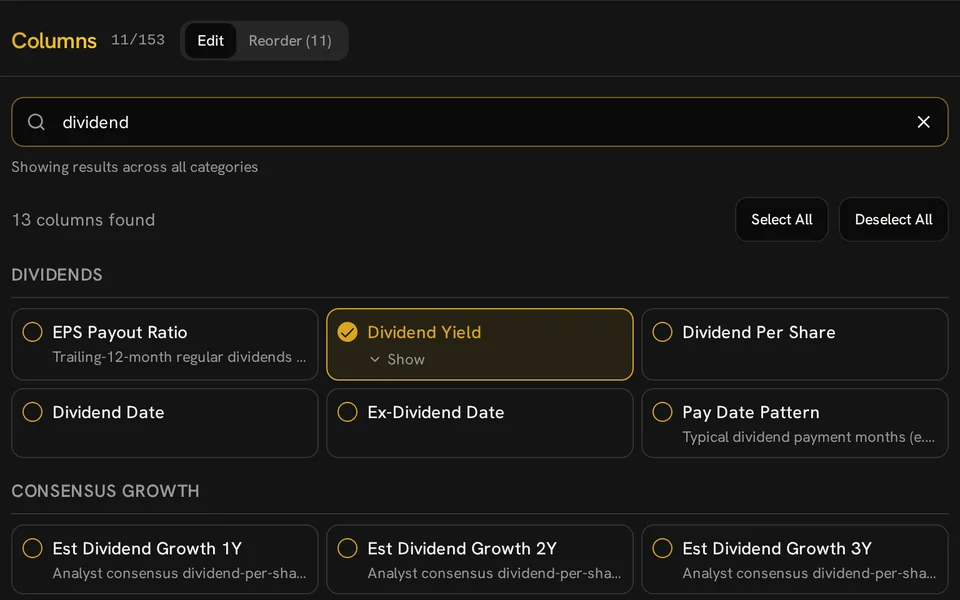
    Pick and arrange columns as needed, sort by key metrics, and add averages or medians. You can search the metric list to find a field without digging through every category.

    Column editor searched for dividend metrics, with Dividend Yield selected and Edit and Reorder tabs

    Saving research views

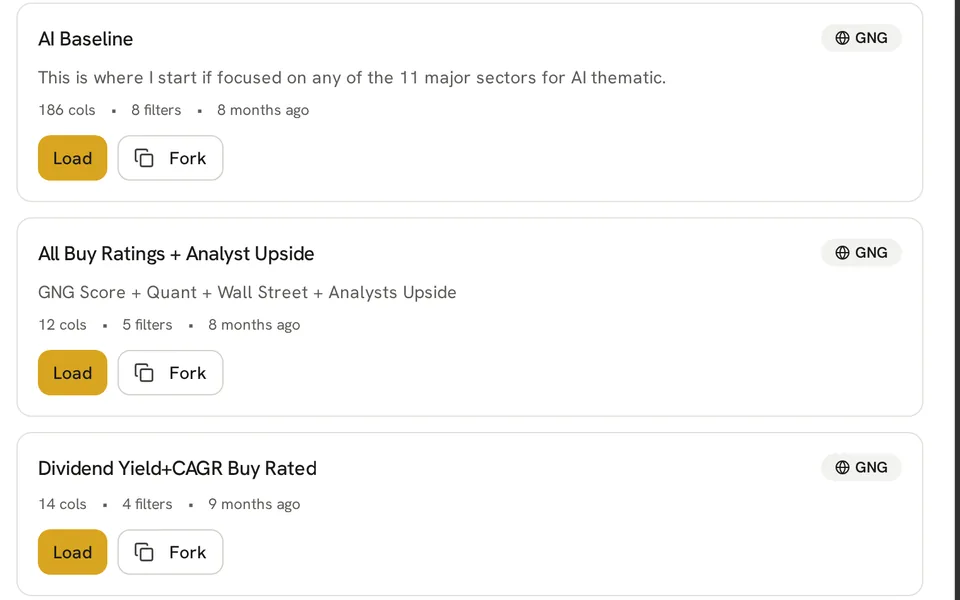
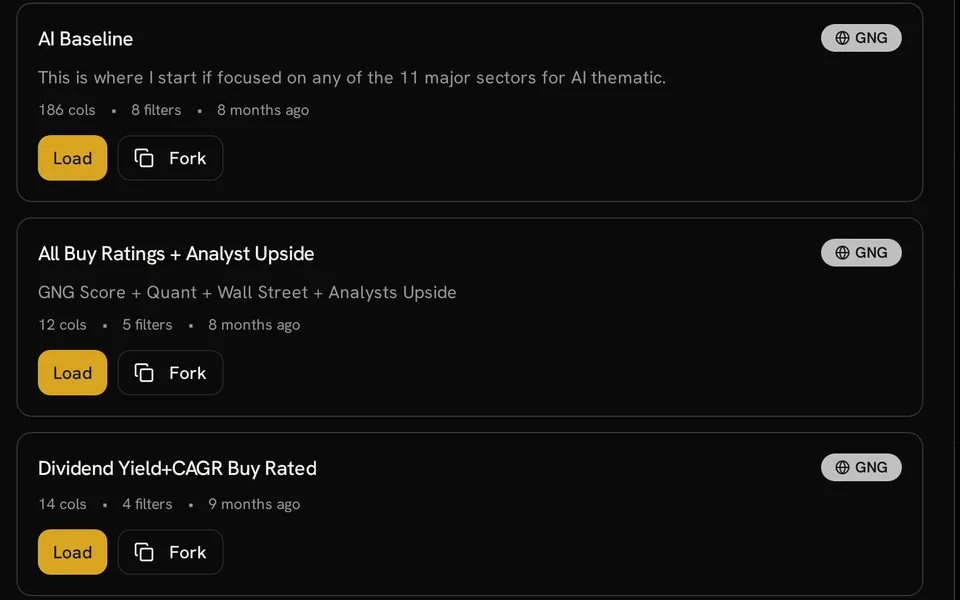
    Save your selected columns, filters, sort order, and summary metrics under a custom name. Load the view later, edit it as your approach changes, or copy a GNG view into your collection. The number of saved views depends on your plan.

    Three shared GNG research views with column and filter counts and Load and Fork controls

    Portfolio screening

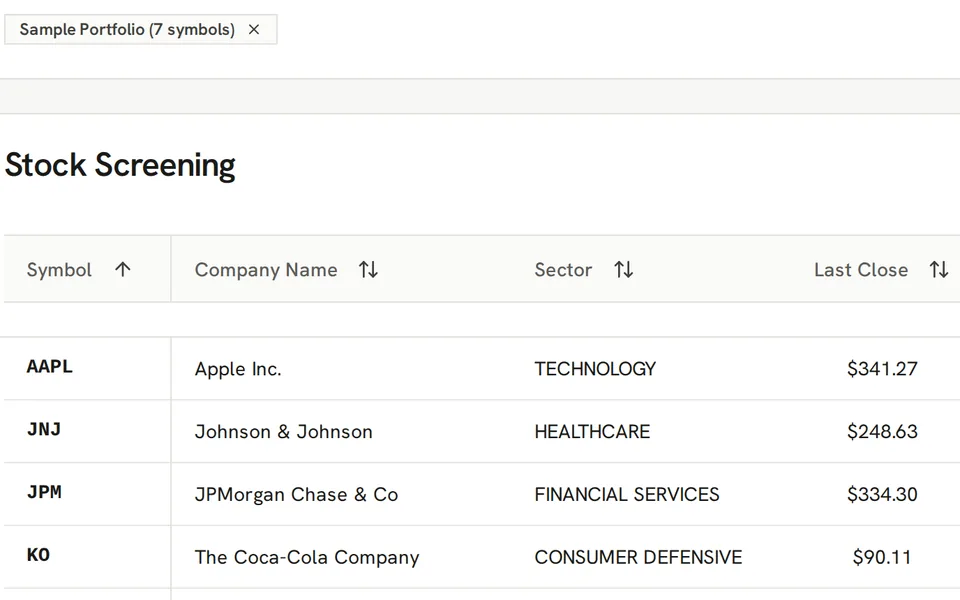
    Choose a portfolio to limit the table to its holdings, helping you review yield, payout ratios, and payment months for assets you already own. The Portfolio Tracker can also open those tickers in the Research Terminal with a chosen research view.

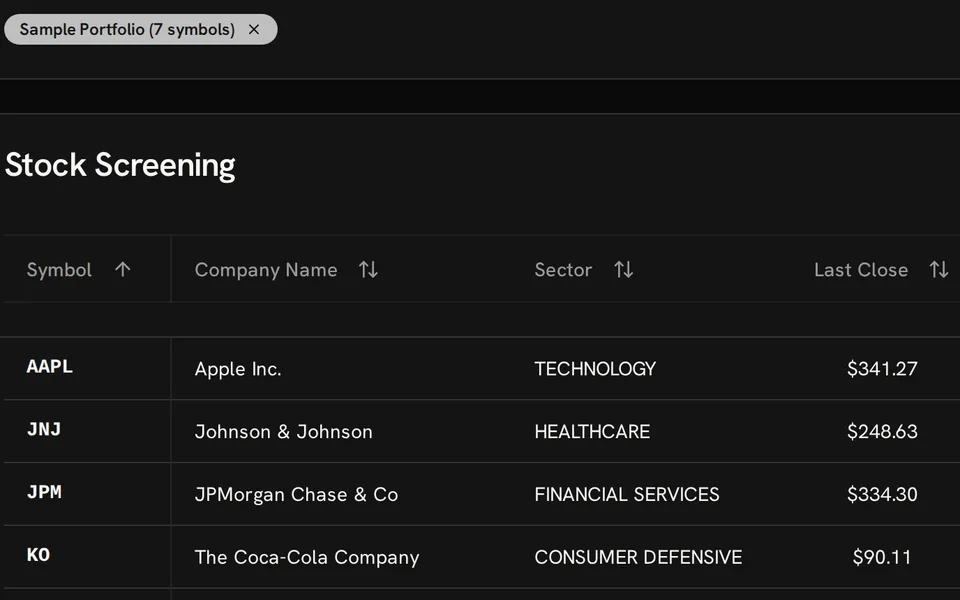
    Research Terminal filtered to Sample Portfolio, with Apple, Johnson & Johnson, JPMorgan Chase and Coca-Cola rows

    GNG Pro metrics

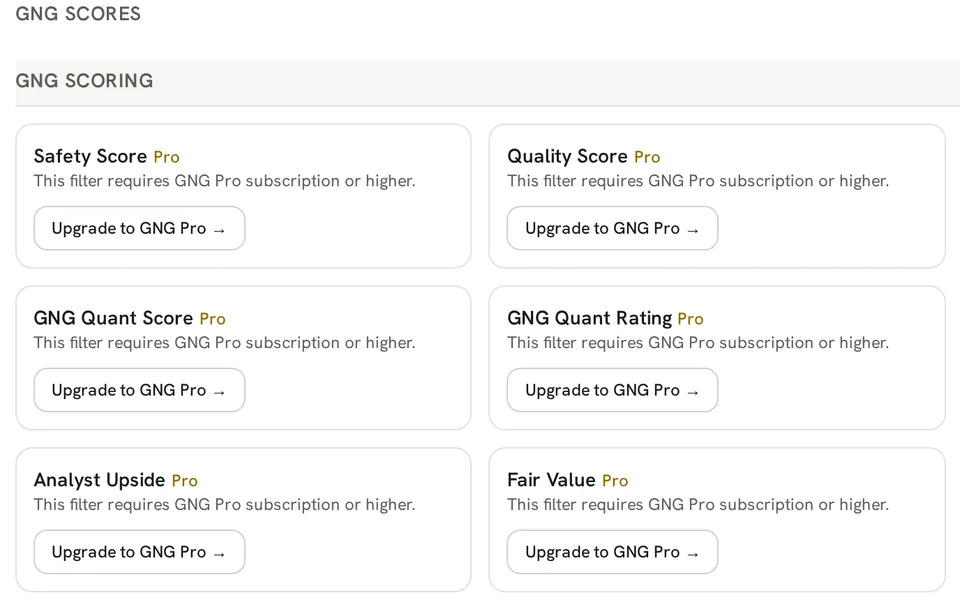
    GNG Pro adds the GNG Rating and Quant, Safety, and Quality scores, fair value estimates, advanced technical indicators, screen exports, and access to the GNG research spreadsheet. Pro Lite includes core screening columns such as dividend growth rates, PEG and PEGY ratios, ROIC, and EV/EBITDA.

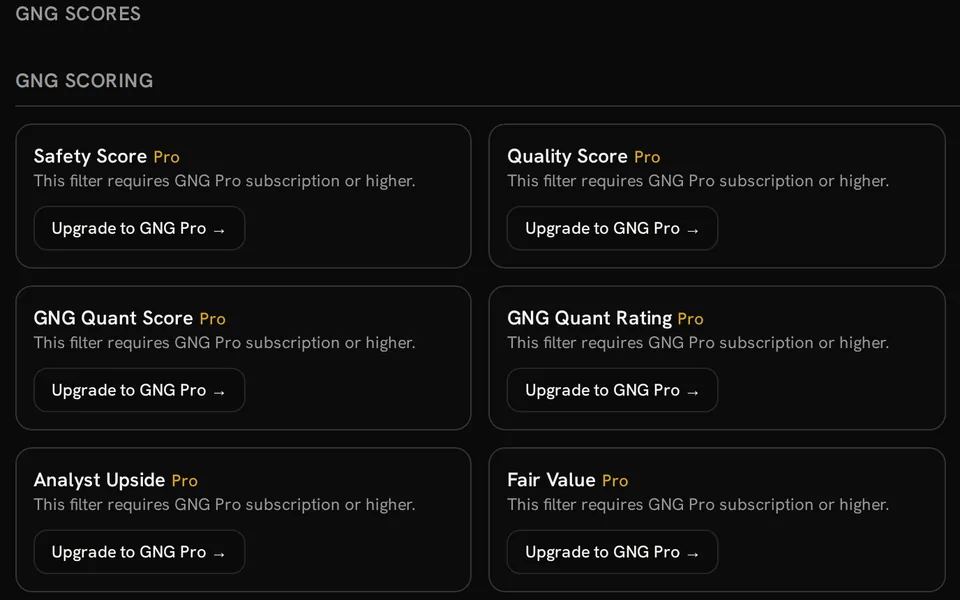
    GNG Scores filter panel showing GNG Pro access requirements for Safety, Quality, Quant, Analyst Upside and Fair Value

    Researching each match

    Select any ticker for deeper company analysis, check a field in the GNG data dictionary, or send a sample of displayed rows and accessible columns to GNG Analyst with Analyze Screen to ask follow-up questions. GNG Analyst uses GNG credits and only the data available in your plan.

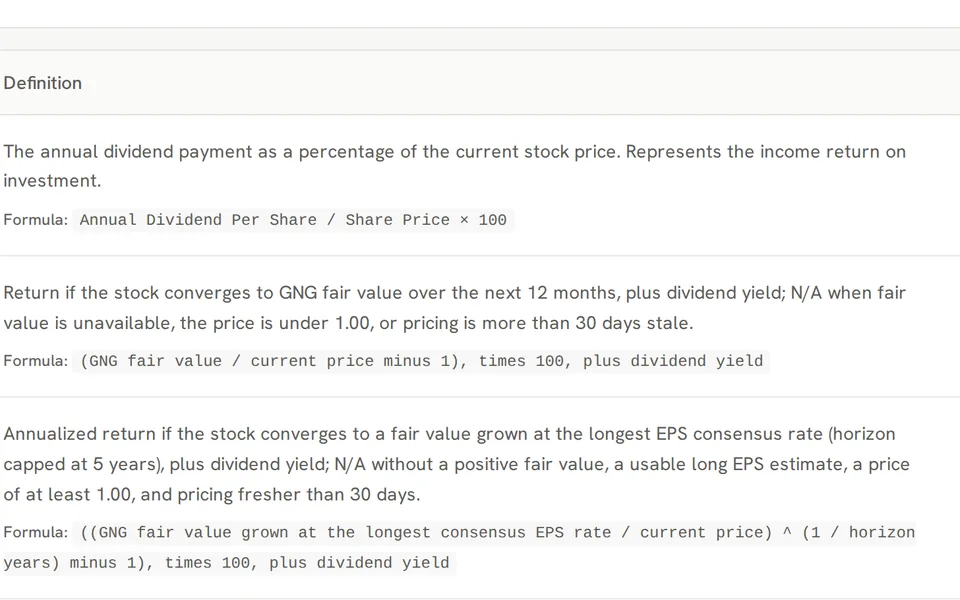
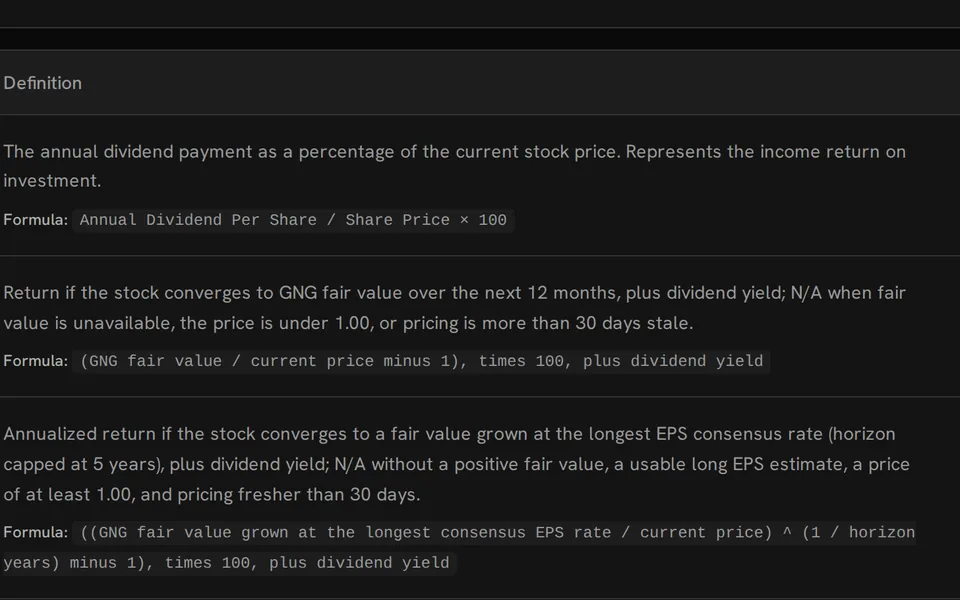
    Data Dictionary definitions and formulas for dividend yield, 12-month justified return and long-term justified return

    Getting started

    How Research Terminal works

    1. Start with a free account

      Set up a no-cost GNG account and open the Research Terminal. Look up a company, choose stocks or ETFs, or load holdings from one of your portfolios.

    2. Apply dividend filters

      Open Advanced Filters, start with the Income screen, or set your own ranges for yield, payout ratio, and pay months. Add valuation or technical fields as needed.

    3. Organize and save

      Sort by supported columns, add averages or medians, and save the screen as a view for later use. You can also open more company details or ask GNG Analyst about the results.

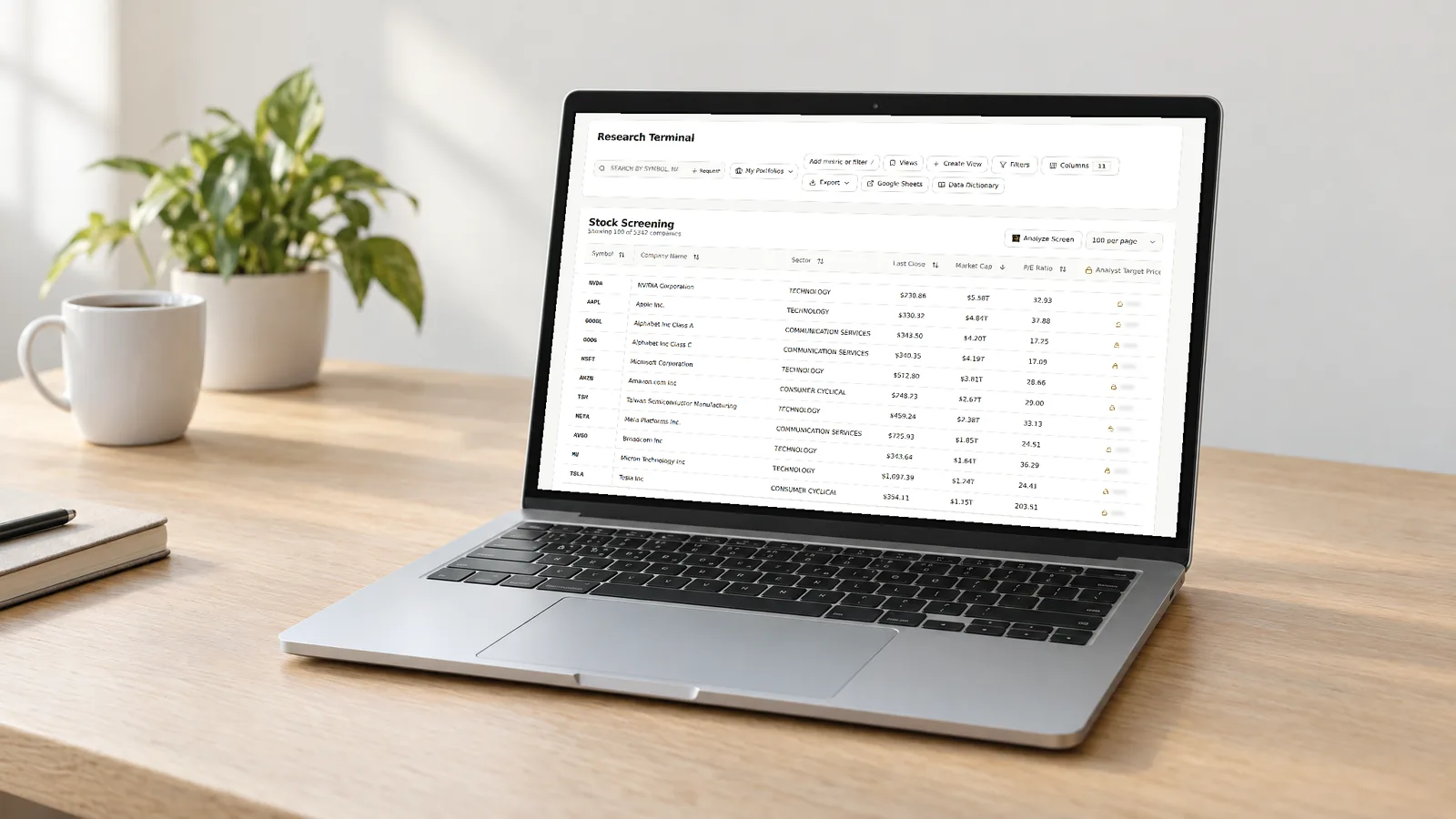
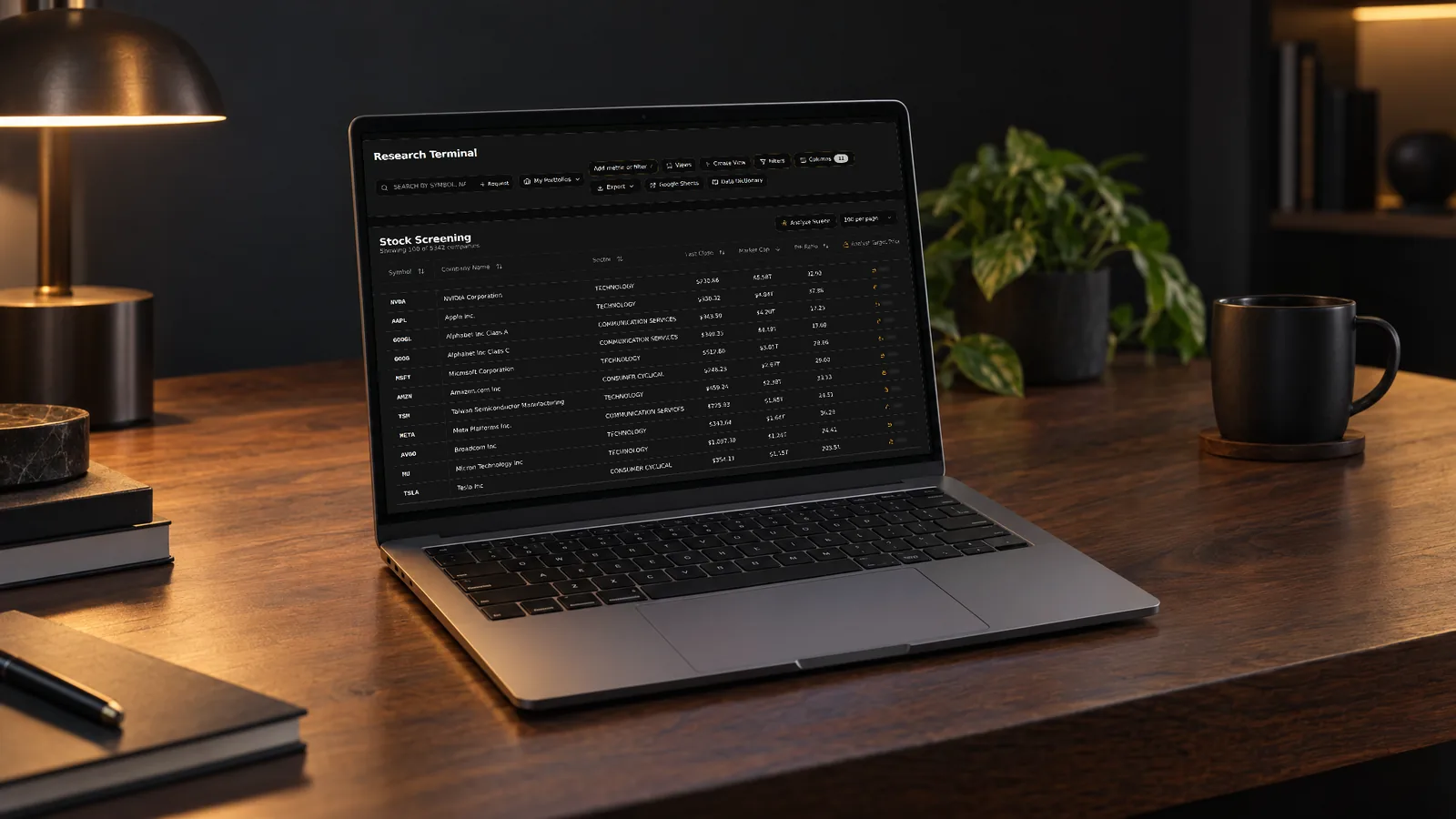
    Laptop on a desk showing the Research Terminal heading, research toolbar and stock screening table

    FAQ

    Common questions about Research Terminal

    Is there a free dividend screener?

    Yes. The GNG Research Terminal is free with a GNG account and includes dividend yield, payout ratio, ex-dividend date, payment month, valuation, balance sheet, and technical fields. Pro Lite adds dividend growth rates, and GNG Pro adds GNG scores and export options.

    How can I filter for dividend stocks?

    Open Advanced Filters and choose the Income starter screen, or raise the yield threshold for a high-dividend screen. Set a payout ratio cap, such as 75%, keep debt-to-equity below 1, then sort by yield and save the screen as a view.

    How can I discover monthly dividend stocks?

    Use Pay Date Pattern to compare typical dividend months from recent records; it uses the ex-dividend date when the payment date is missing. Pick the all-months option for monthly payers, then apply a yield or payout ratio range.

    Is there a dividend ETF screener?

    Yes. Set the asset type to ETF and filter by dividend yield, dividend per share, pay months, price, and RSI. Leave out payout ratio and ex-dividend date, since they apply to stocks.

    What kind of payout ratio does the screener use?

    The Payout Ratio compares dividends with sector-aware earnings and uses operating cash flow for REITs, utilities, and similar asset-heavy companies. The EPS payout ratio gives a stricter dividends-to-earnings view.

    What is the difference between saving a view and exporting a screen?

    Saving a view keeps your filters, columns, sort order, and summary metrics for later use. Exporting downloads the current results as CSV, Excel, or PDF and requires GNG Pro or a higher-tier plan.

    Does GNG offer more than 300 screening columns in one research terminal?

    The Research Terminal offers more than 300 screening columns, with access depending on your plan. Basic fields are free, Pro Lite adds core growth and valuation columns, and GNG Pro adds GNG scores and exports.

    Research Terminal

    Set up a free account today and start your first dividend screen.

    Free to join. No credit card. Takes seconds.

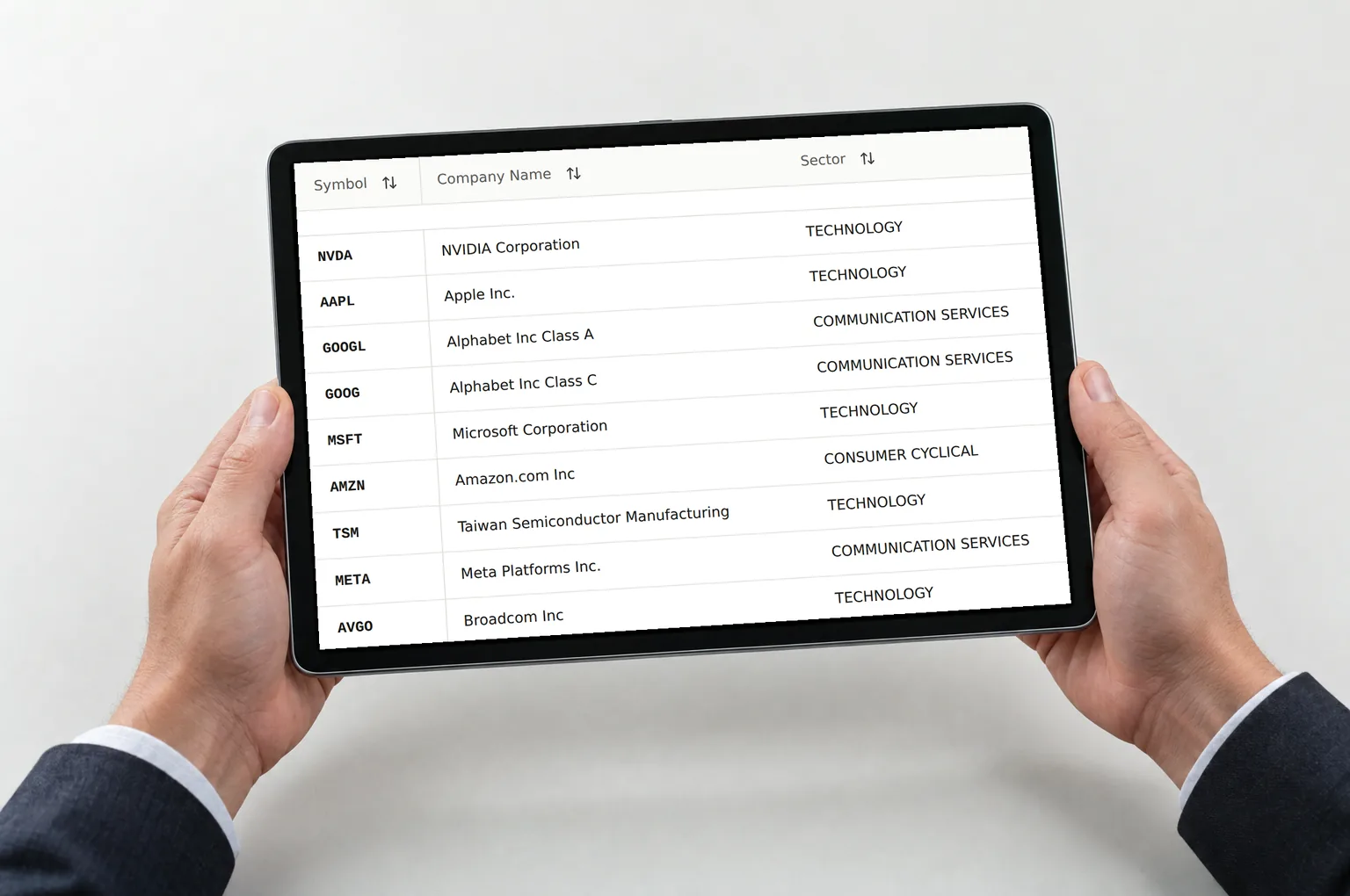
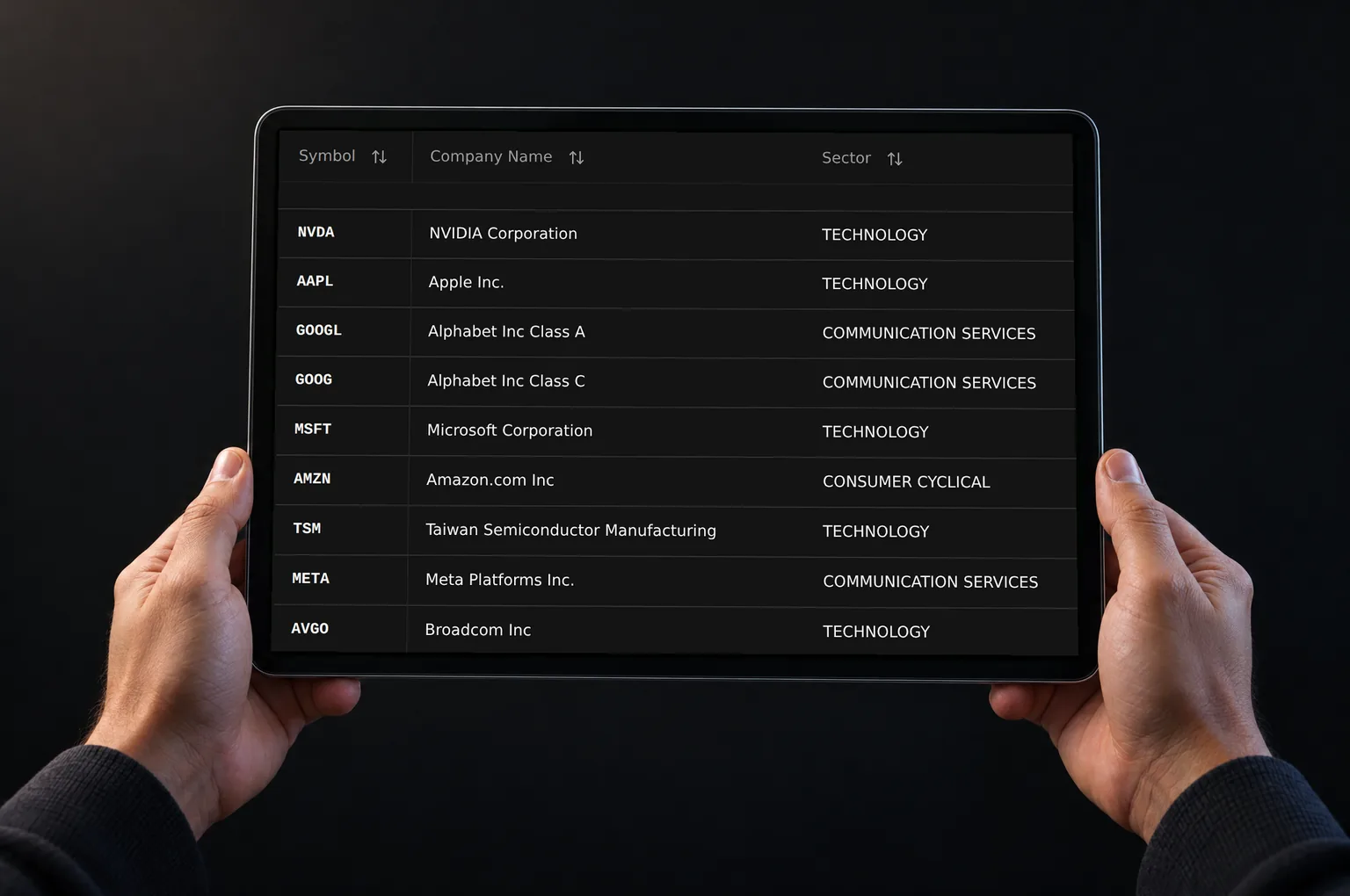
    Hands holding a tablet showing Research Terminal rows with stock symbols, company names and sectors

    Please remember that the screener is for info only and is not an endorsement to buy or sell any security.