    GNG Analyst

    AI stock analysis prompts you can run

    Type an AI stock analysis prompt in plain words. GNG Analyst looks up GNG data, runs the screen or backtest, and answers with the charts and tables behind it.

    Free with a free GNG account. Chats use GNG credits, and new accounts start with welcome credits.

    You must be logged in to view this page. Log in or create a free account.

    Free to join. No credit card. Takes seconds.

    Overview

    GNG Analyst at a glance

    GNG Analyst is an AI stock analyzer and research assistant backed by GNG company data and investment tools. Write a prompt such as "Compare AAPL vs MSFT on P/E, dividend yield, and market cap, then show me both price charts for the past year." It looks up the figures and answers with interactive charts and tables. It can also screen stocks, run backtests and Monte Carlo simulations, and search SEC filings and earnings call transcripts in the same conversation.

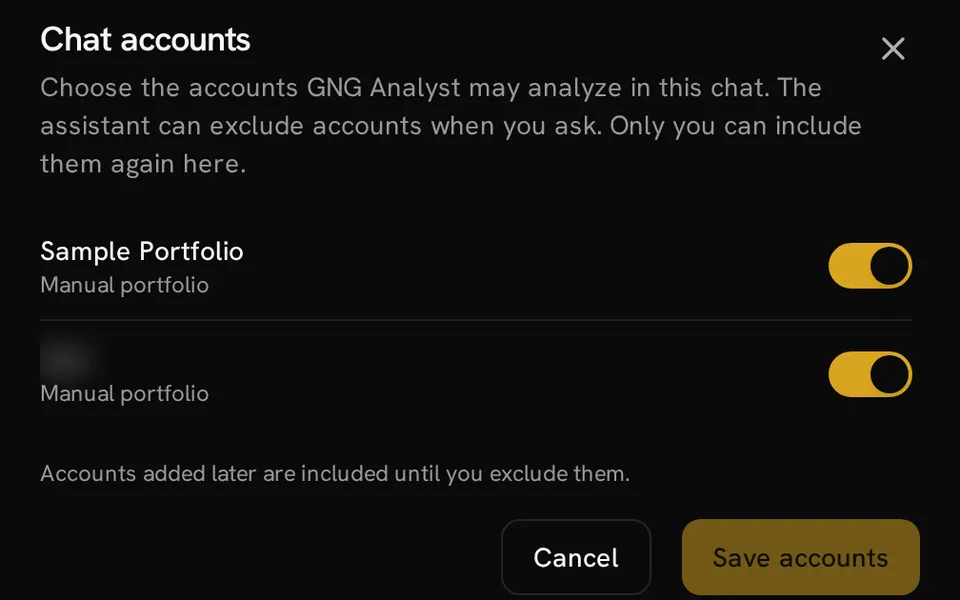
    For AI portfolio analysis, bring your own portfolio into the discussion without copying every holding into a prompt. GNG Analyst can read permitted manual and linked accounts, inspect transactions, and explain performance. Privacy settings control portfolio access, while the Accounts control in each chat lets you choose which personal accounts it may analyze.

    Keep research context in memory, save reusable instructions as skills, and create workflows for recurring questions (market-event triggers need Pro Lite or higher). The marketplace provides skills you can import and adapt, and agents on GNG Pro. A free GNG account includes welcome credits; AI work uses GNG credits, and paid plans include monthly credits.

    What you get

    • Research any ticker: prices, financials, and earnings
    • Screen the GNG stock database in conversation
    • Run backtests and Monte Carlo simulations in chat
    • Search SEC filings and earnings call transcripts
    • Review your portfolio holdings and performance
    • Save research with files, memory, skills, and workflows

    Product tour

    A closer look at GNG Analyst

    Charts in the answer

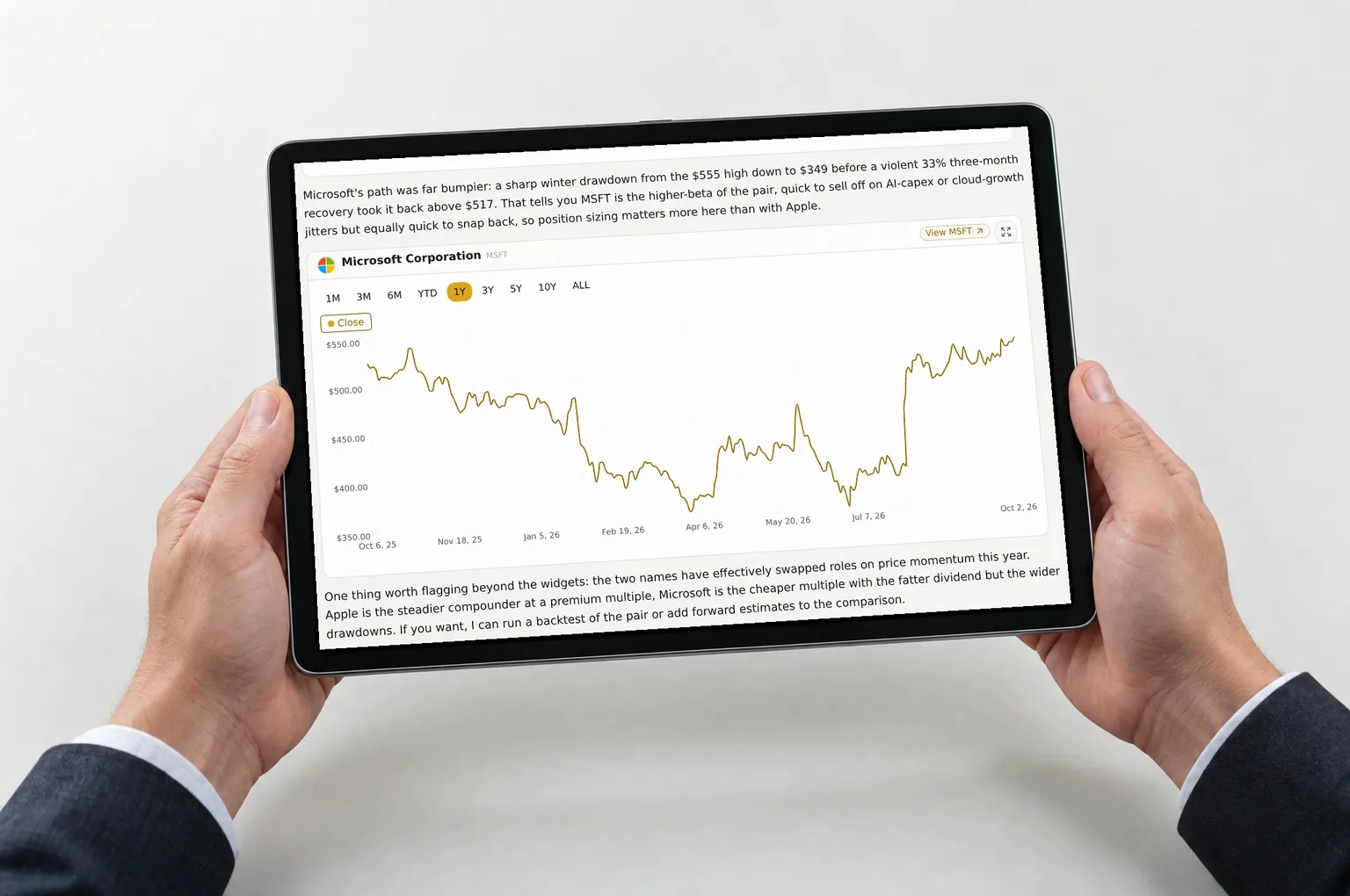
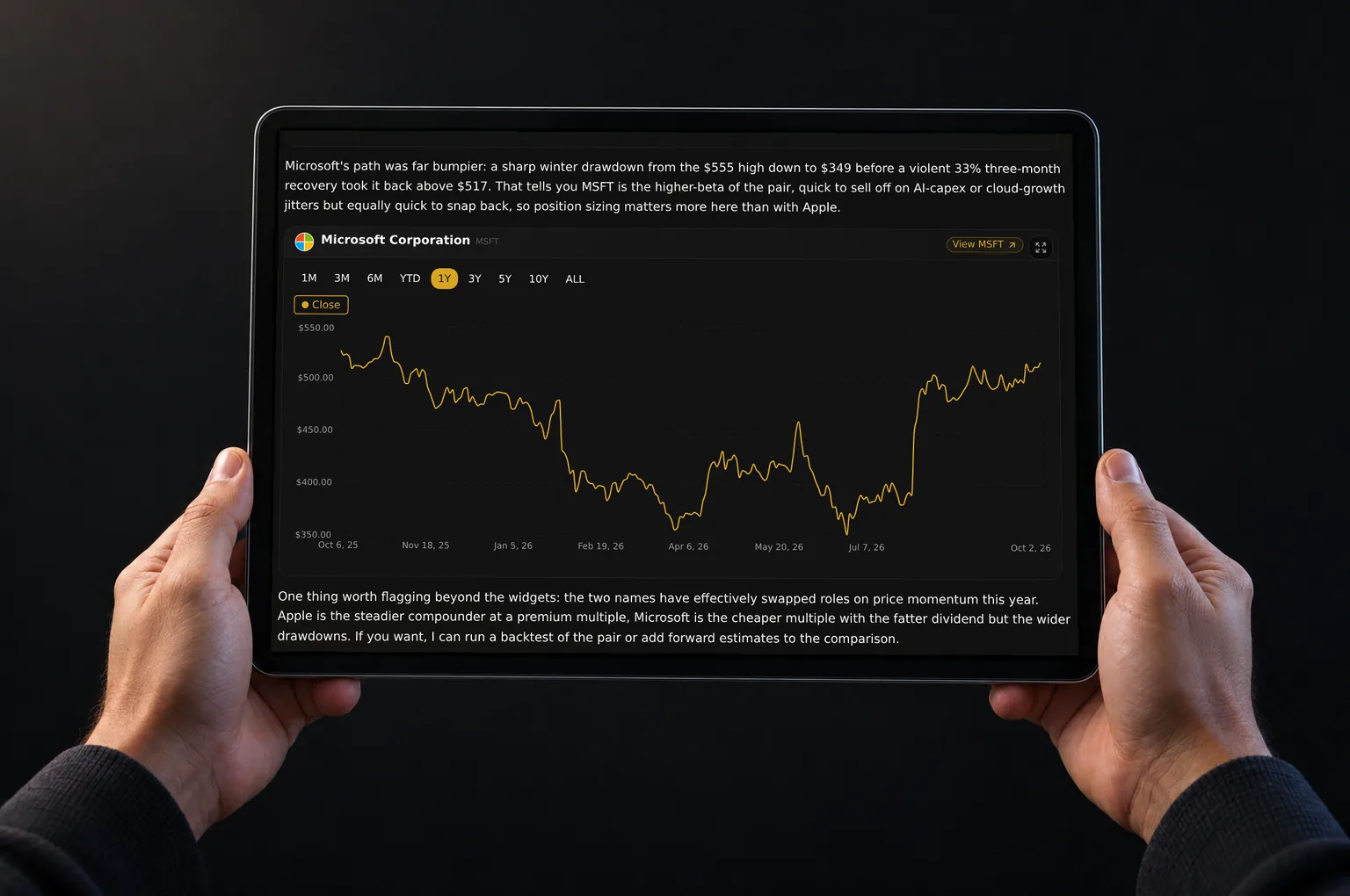
    Answers come with live charts and data you can adjust, right inside the conversation.

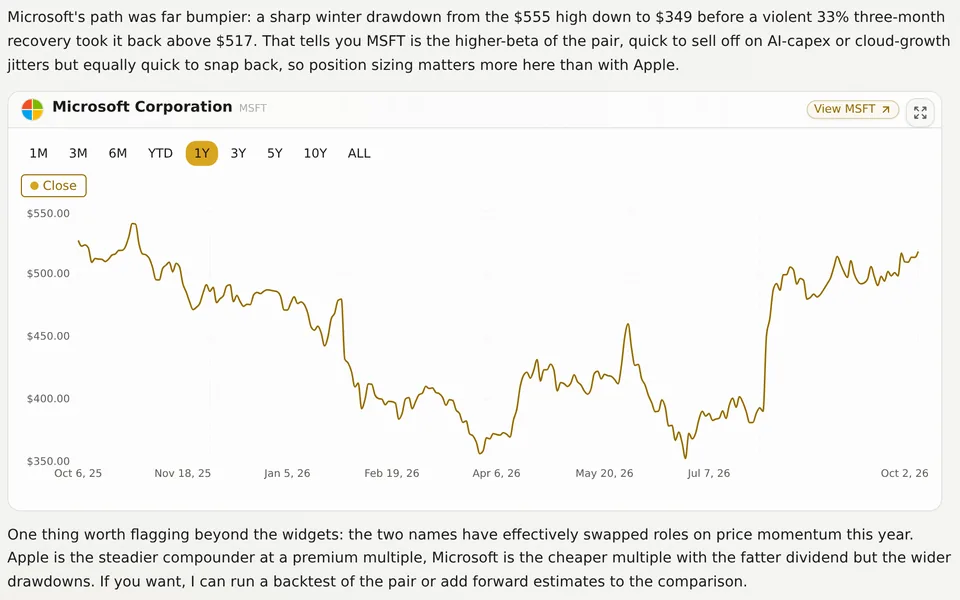
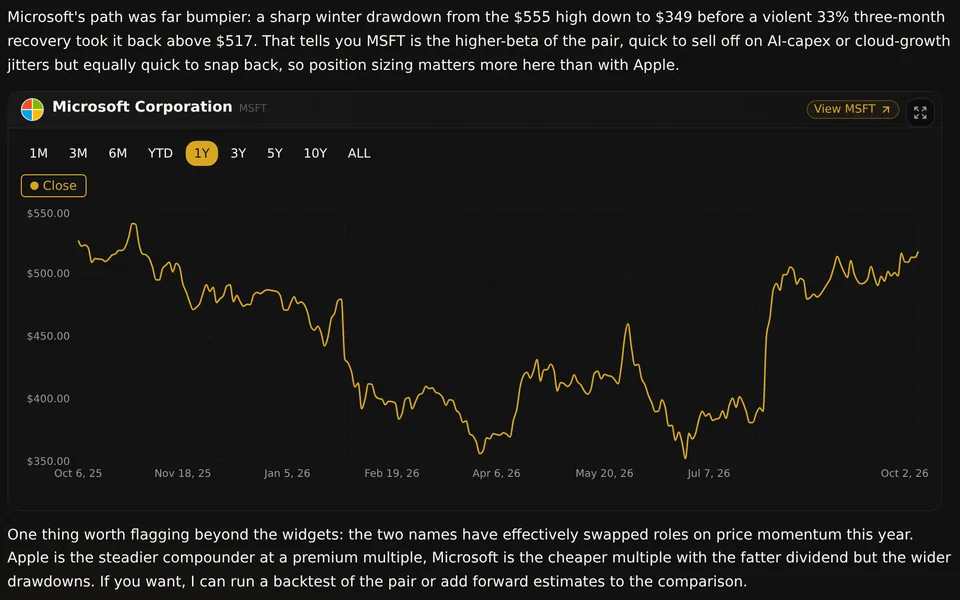
    The answer shown pairs written analysis with an interactive stock price chart. The widget has range controls, a company link, and an expand button, so you can inspect the move being discussed. Other supported widgets present company comparisons, financial data, and portfolio results within the same conversation.

    • Adjust the chart range without leaving the answer
    • Open the company for further research
    • Keep the visual next to its explanation

    Start with a question

    Ask about any ticker, run backtests and Monte Carlo forecasts, or start from a suggested prompt.

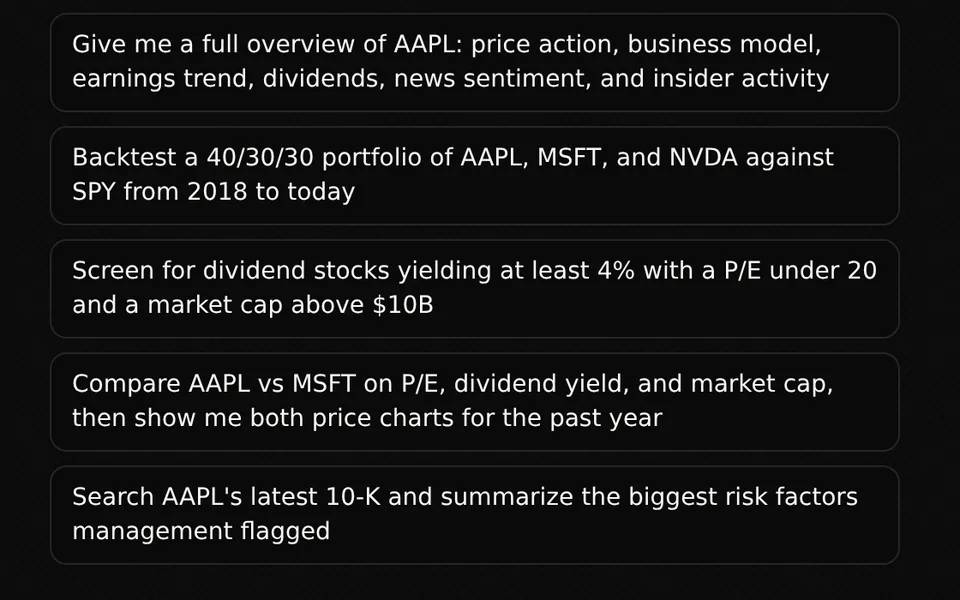
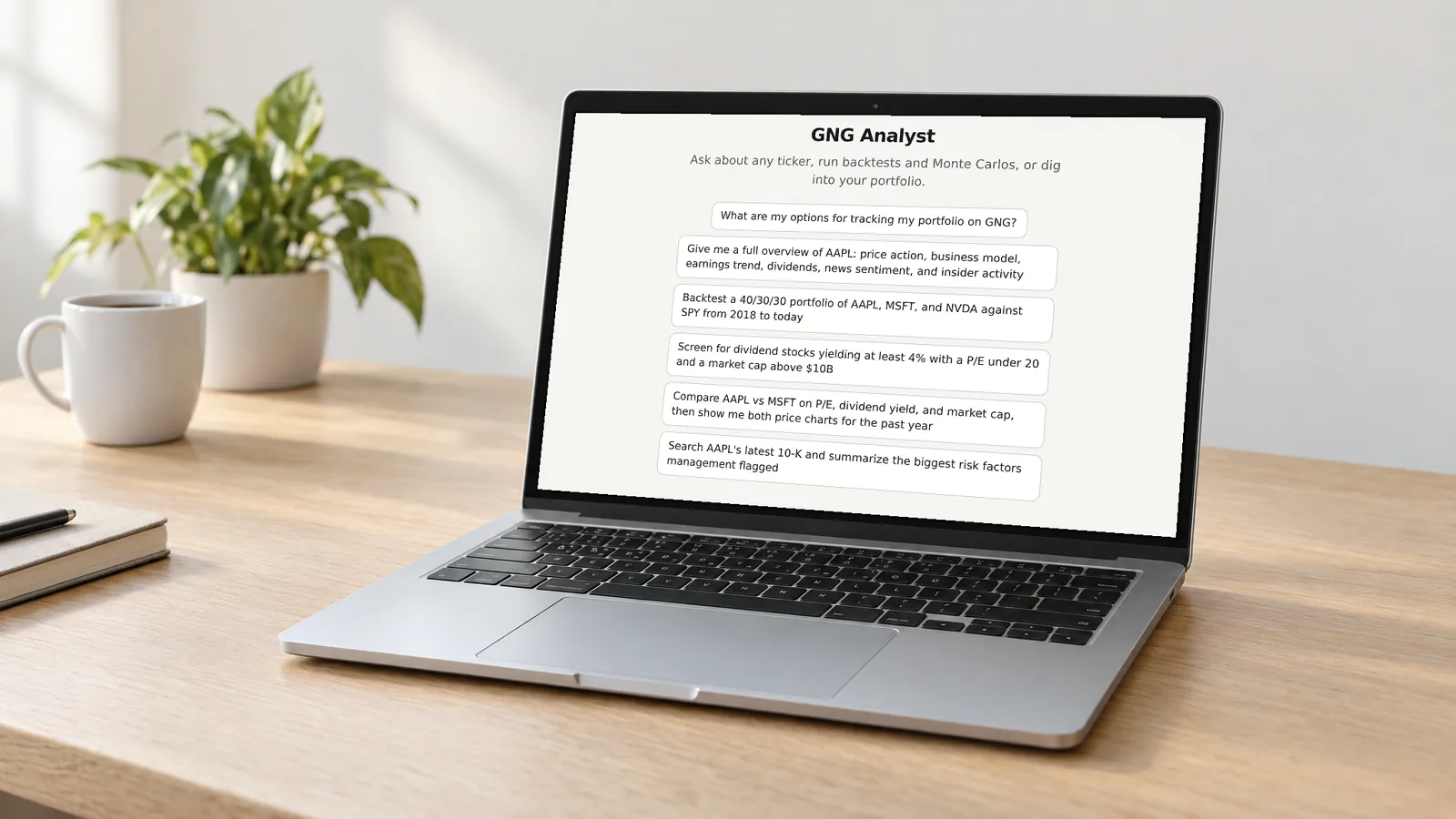
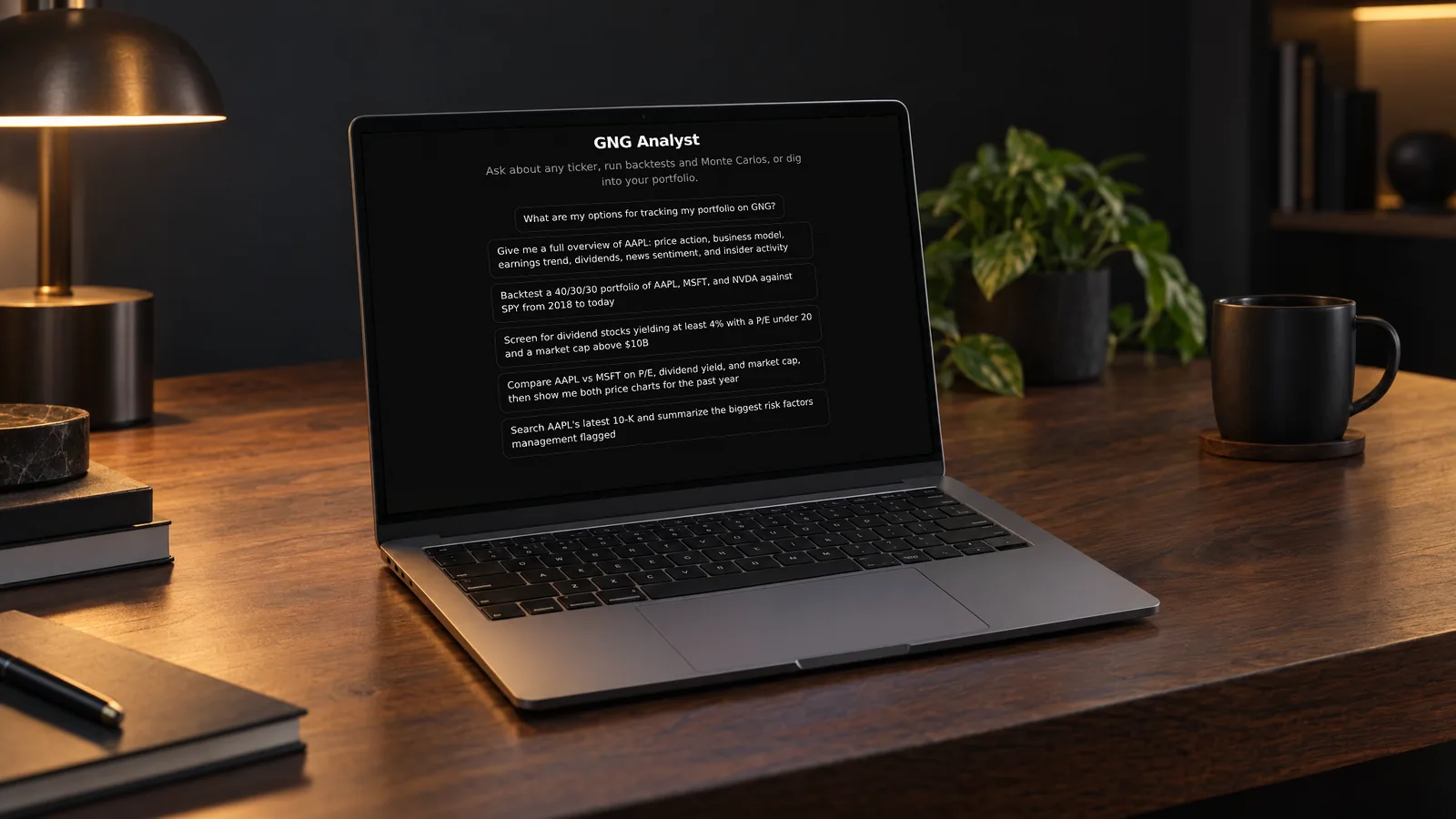
    The start screen offers ready stock analysis prompts, such as a full overview of AAPL, a backtest of AAPL, MSFT, and NVDA weighted 40/30/30 against SPY since 2018, a dividend screen, an AAPL vs MSFT comparison, and a summary of the risk factors in the latest AAPL 10-K. Select one, change the ticker or dates, or write your own.

    • Begin with a suggested prompt or write your own
    • Name the ticker, period, and comparison you want
    • Follow up in the same conversation

    Features

    What you can do with GNG Analyst

    Stock analysis prompts to try

    Each prompt below uses tools a free account can call. GNG Analyst picks the tool it needs, such as the stock screener, the backtester, or the filing and transcript search, then shows the results in its answer. Change the tickers, dates, or thresholds to fit your own research.

    • Screen for dividend stocks yielding at least 4% with a P/E under 20
    • Backtest AAPL, MSFT, and NVDA weighted 40/30/30 against SPY since 2018
    • Search the latest AAPL 10-K and summarize the biggest risk factors
    • What did NVDA management say about guidance on the last earnings call?
    • Review my portfolio: holdings, performance, and recent transactions
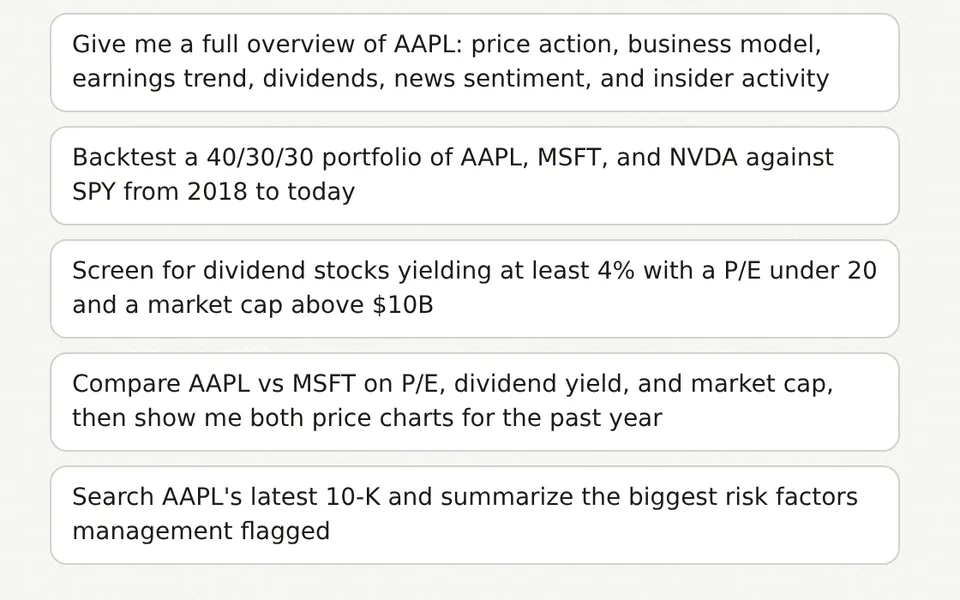
    Five suggested prompts for a stock overview, portfolio backtest, dividend screen, company comparison and 10-K search

    AI stock research tools

    Use GNG Analyst as an AI stock screener, or research prices, financial statements, estimates, earnings, dividends, technicals, news, and insider activity. Search SEC filings and earnings call transcripts, read GNG research articles on GNG Pro and higher, and examine ETF holdings or options data with the tools your account can access.

    • Screen stocks and options from a question
    • Compare companies with charts and tables
    • Run portfolio backtests and Monte Carlo simulations
    • Inspect options chains and strategy scenarios
    Microsoft one-year price chart with range controls and written analysis in a GNG Analyst conversation

    Portfolio account controls

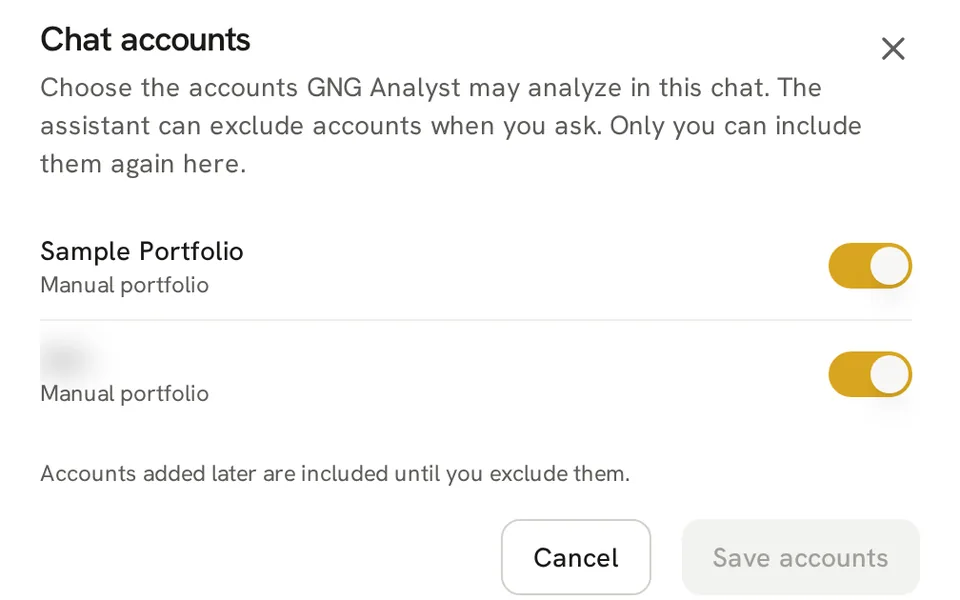
    Review holdings, cash, performance, and transaction history from permitted portfolios. Use Accounts to exclude personal accounts from a chat, or ask the assistant to narrow the selection. Only you can include an excluded account again. New accounts are included until you exclude them.

    • Portfolio access can be switched off in Privacy settings
    • Linked-account access has its own privacy setting
    • Model portfolios remain distinct from personal accounts
    Chat accounts dialog with inclusion switches and a masked non-sample portfolio name

    Research memory

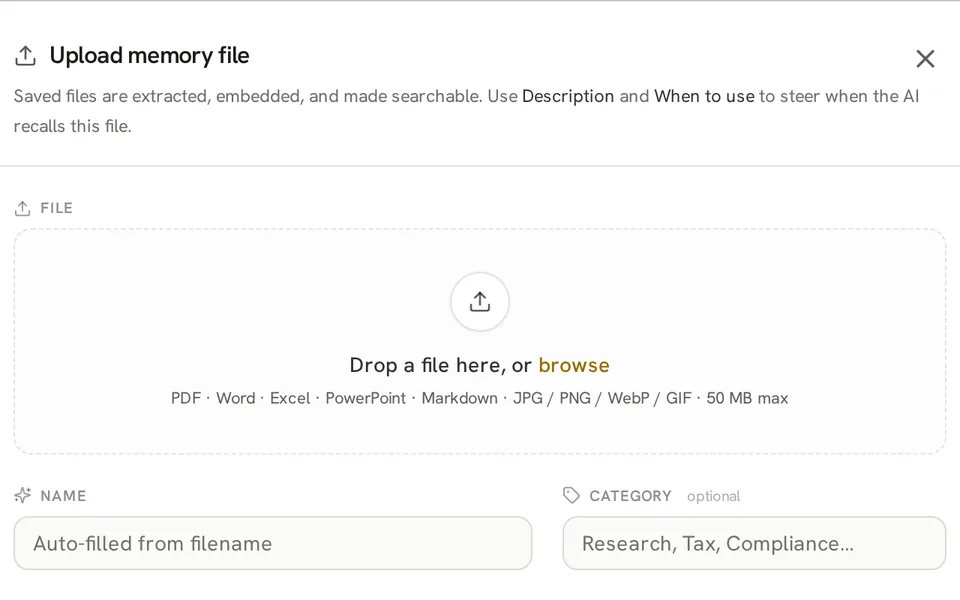
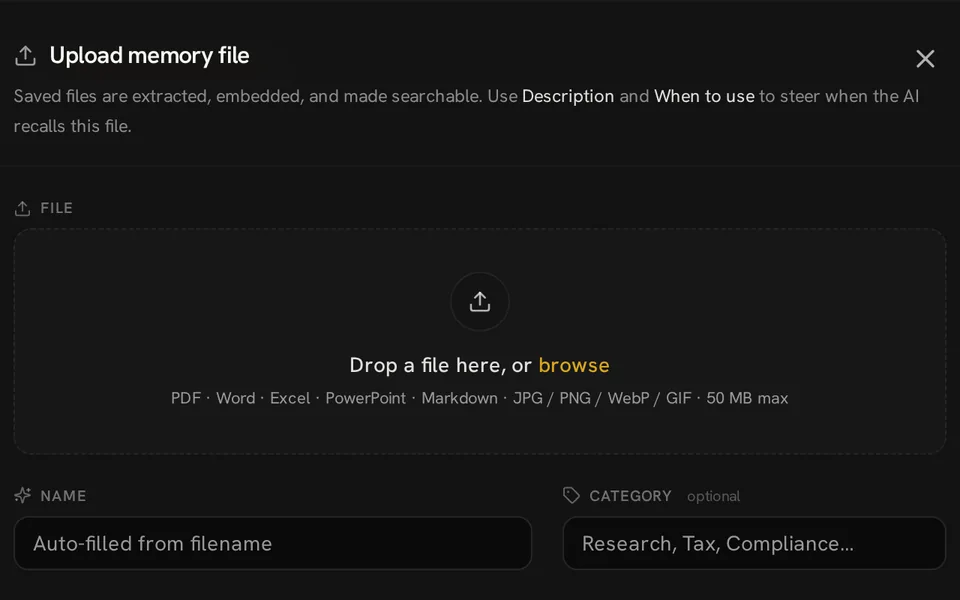
    Save notes and upload files for GNG Analyst to use across conversations. Organize, edit, search, pin, or remove memories, and inspect connections in the knowledge graph. Memory allowances depend on your plan, and you control which material you keep.

    Upload memory file dialog with a file drop area, supported formats, and name and category fields

    Skills and agents

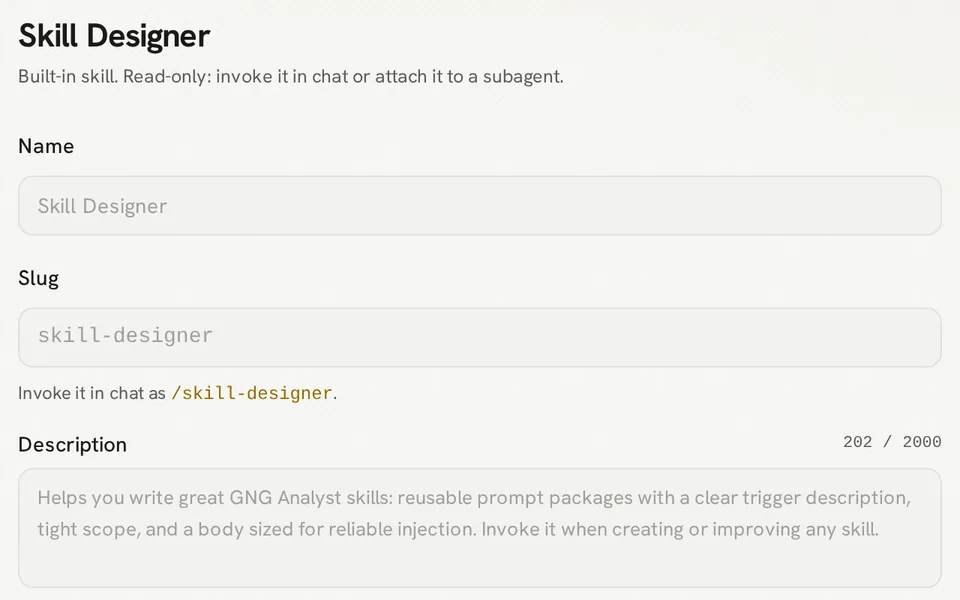
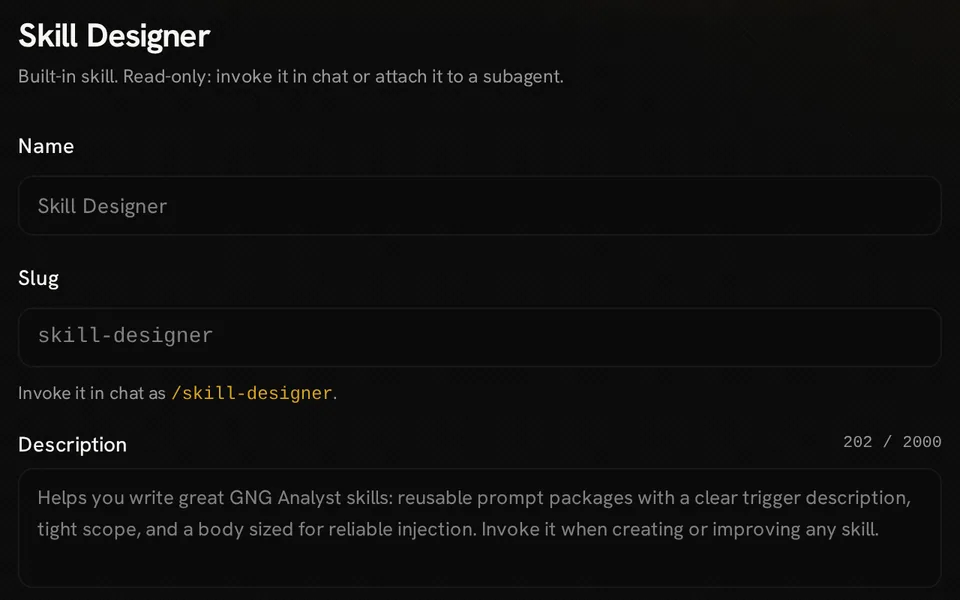
    Create a skill for reusable research instructions and call it with a slash command. On GNG Pro, configure specialist agents with their own instructions, model choices, permitted tools, and memory. Browse the marketplace to inspect published agents and skills, import a copy to adapt (agents need GNG Pro), or submit your own work for publication.

    Read-only Skill Designer view showing the built-in skill name, slash-command slug and description

    Research workflows

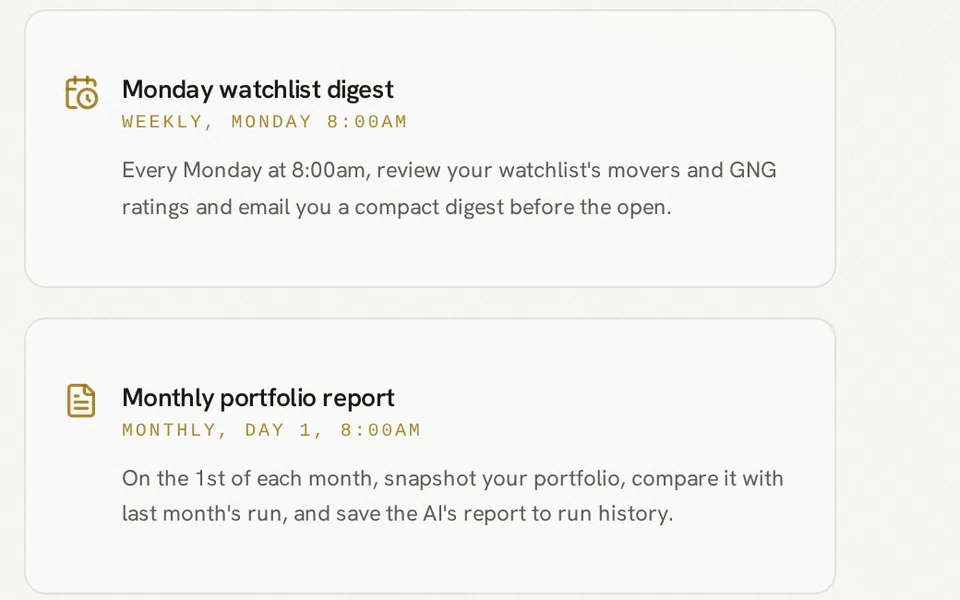
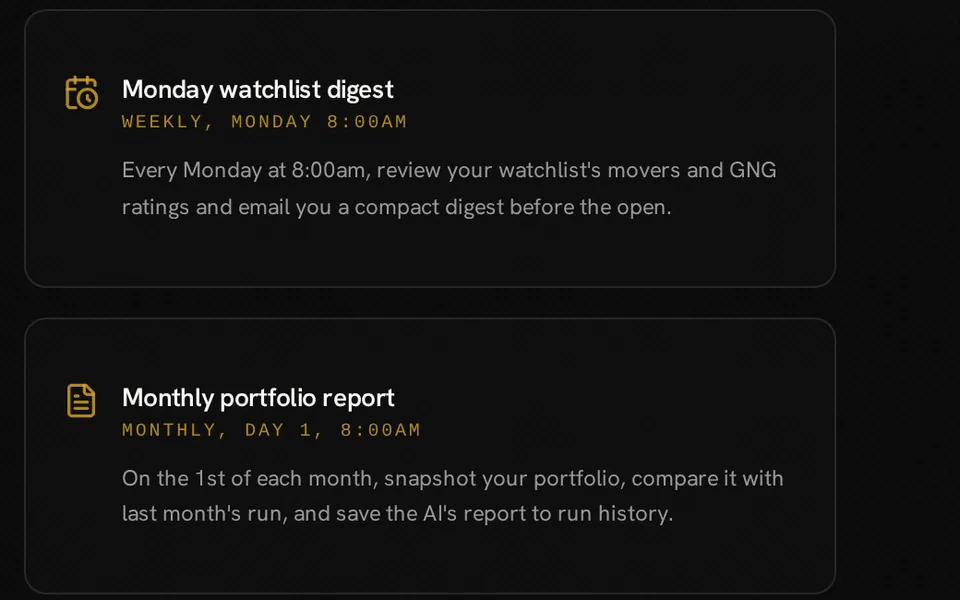
    Build a visual workflow yourself or describe it to GNG Analyst. Connect a schedule, or on Pro Lite and higher a market event, to data, analysis, conditions, and outputs. Test and publish the workflow, then review its run history, step results, and credit usage.

    • Manual and scheduled runs on every plan
    • Price, portfolio, watchlist, news, and earnings triggers on Pro Lite and higher plans
    • Dividend, insider, rating, and technical triggers on Pro Lite and higher plans
    • Email results to your account or save reports and files
    • Pause a workflow or revise its draft before publishing
    Scheduled workflow templates for a Monday watchlist digest and a monthly portfolio report

    Documents and library

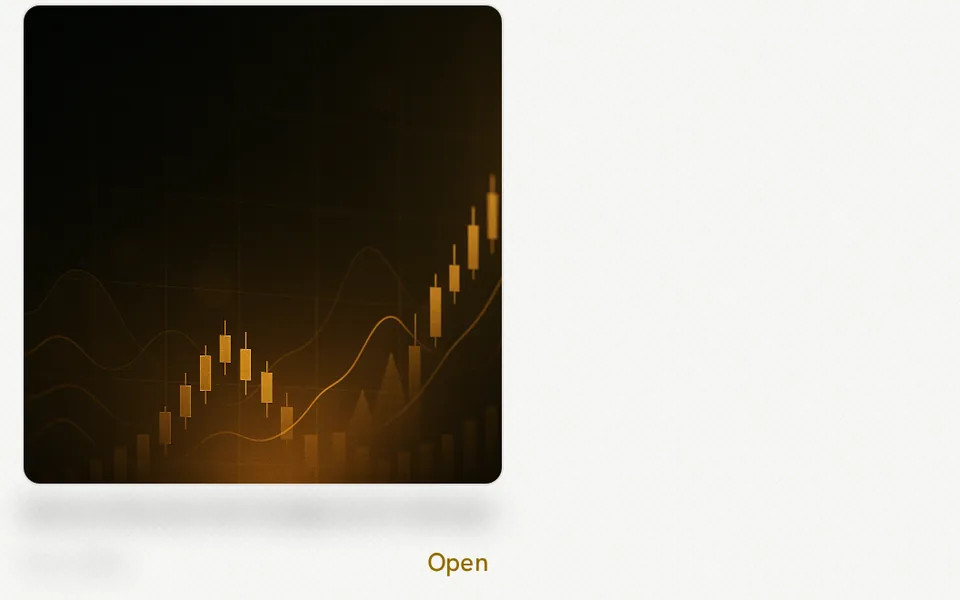
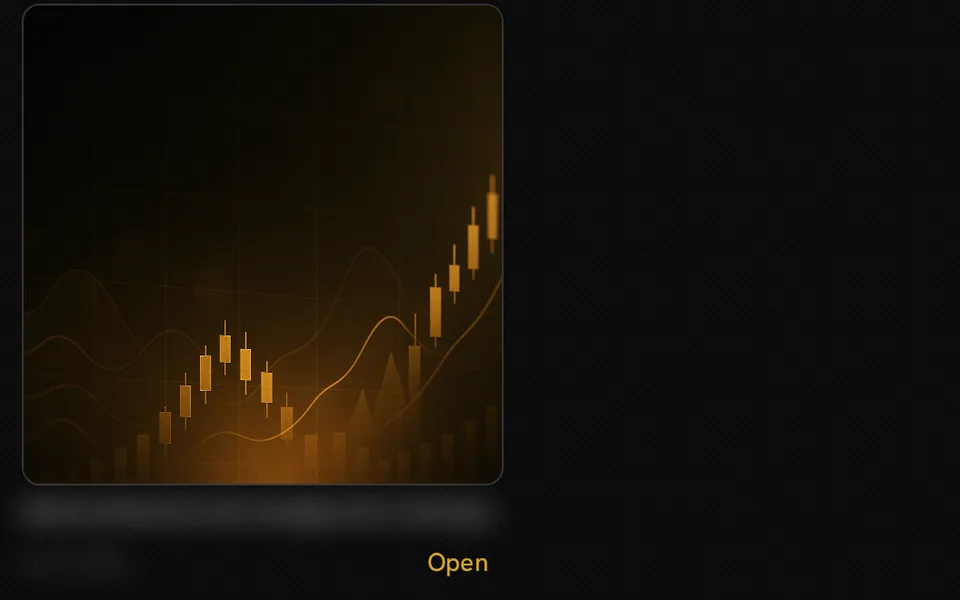
    Turn research into downloadable PDF, Word, PowerPoint, or Excel files. Ask for revisions to supported documents, generate images for your work, and revisit saved outputs in the Library instead of finding each file inside an old chat.

    Saved gold financial-chart illustration in Library with an Open control and masked filename and date

    Conversation history

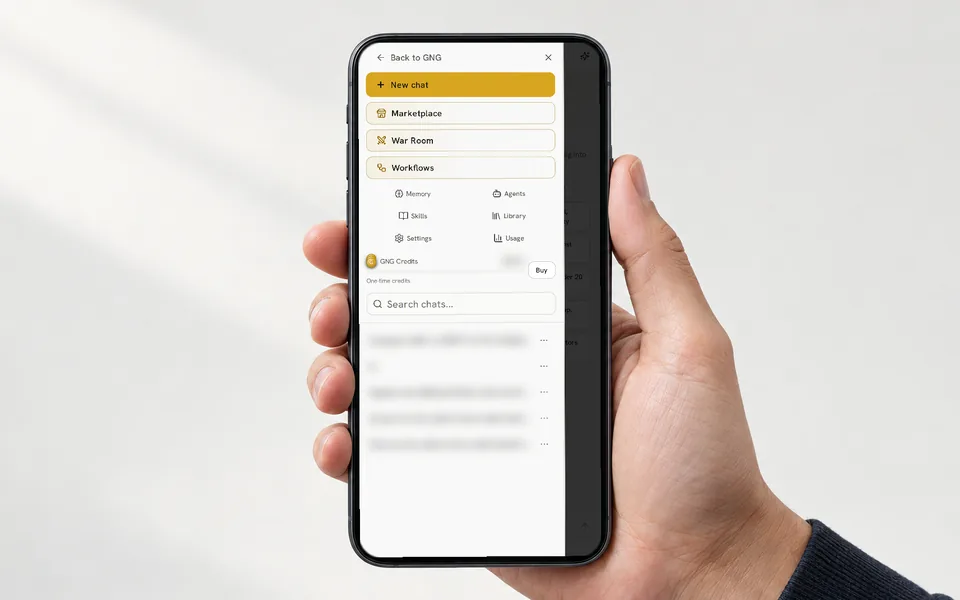
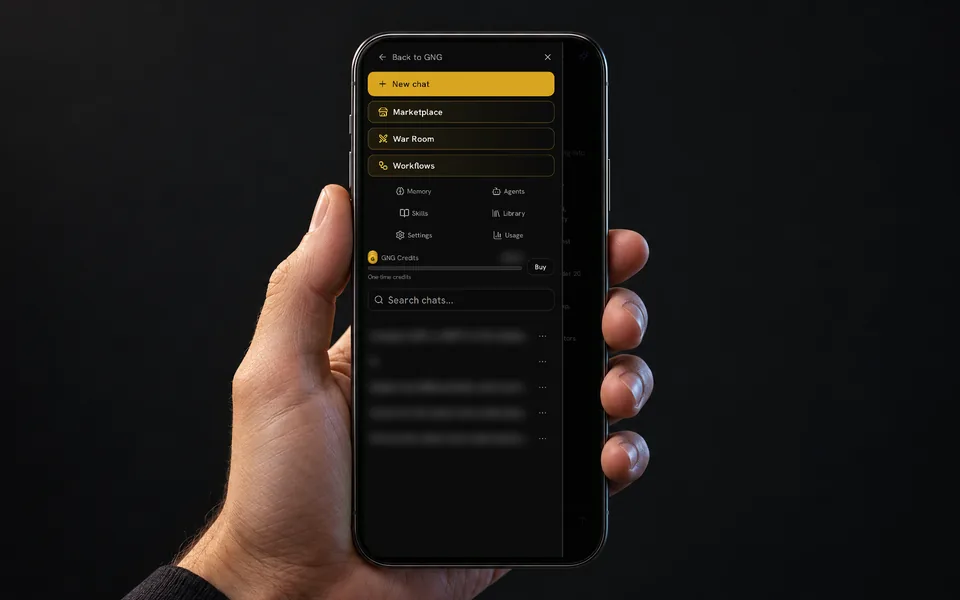
    Search and reopen chats, rename a thread, branch a question, or regenerate an answer. Print a conversation or share a read-only link that you can revoke. On a phone, a drawer holds the chat list and controls while the conversation fills the screen.

    Hand holding a phone showing the GNG Analyst drawer with chat search, masked conversation titles and a masked balance

    Credit visibility

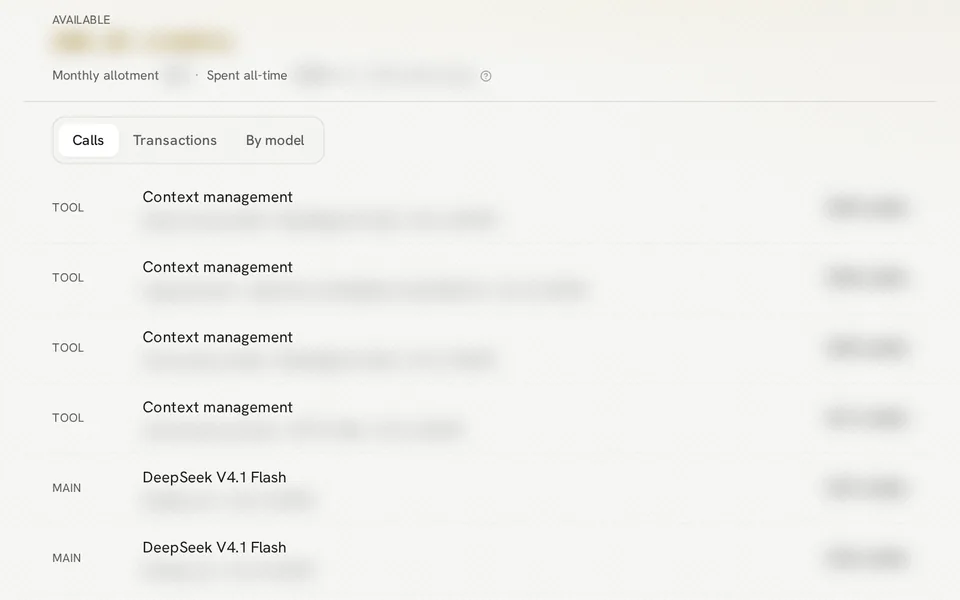
    Check your available GNG credits and review usage as you work. New accounts receive welcome credits, paid plans include monthly credits, and credit packs are available. Tool access, model choices, and saved-resource allowances depend on your account.

    Credit usage panel with usage tabs and call-history rows, with account amounts and row details masked

    Getting started

    How GNG Analyst works

    1. Write your prompt

      Create a free GNG account and start a chat. Name the company, portfolio, or question, add the period and comparison you want, or pick a suggested prompt.

    2. Choose your context

      Attach relevant files or use saved memory. For personal portfolio questions, review Privacy settings and the Accounts selection in the chat.

    3. Inspect the answer

      Read the analysis with its charts, tables, and tool results. Ask follow-up questions, compare assumptions, and verify the information you plan to use.

    4. Keep the process

      Save a document, reuse instructions through a skill, or build a workflow for research you want to repeat. Review credit usage as you go.

    Laptop on a desk showing the GNG Analyst welcome screen and six suggested research prompts

    FAQ

    Common questions about GNG Analyst

    Can I use AI stock analysis for free?

    Yes, with a free GNG account. GNG Analyst messages use GNG credits: new accounts start with welcome credits, paid plans include credits every month, and credit packs are available.

    What are good AI prompts for stock analysis?

    Name the ticker, the period, and the output you want. Three that work in GNG Analyst: screen for dividend stocks yielding at least 4% with a P/E under 20; backtest AAPL, MSFT, and NVDA against SPY since 2018; summarize the risk factors in the latest AAPL 10-K.

    How do I use AI for stock analysis?

    Ask about a ticker, compare companies, or describe a stock screen. GNG Analyst looks up financial statements, estimates, SEC filings, earnings call transcripts, and permitted portfolios, and can run backtests or Monte Carlo simulations in the conversation.

    Can AI analyze my stock portfolio?

    Yes. GNG Analyst can review holdings, performance, and transactions in the portfolios you let it read. Privacy settings and each chat's Accounts control set which accounts it sees. Manual portfolios work on a free account; brokerage linking requires Pro Lite or higher.

    What does an AI stock analyzer do?

    It gathers the data an analyst would. GNG Analyst calls GNG tools for prices, financial statements, estimates, dividends, SEC filings, and earnings call transcripts, then answers with charts and tables. AI can still make mistakes, so check anything that matters.

    Is GNG Analyst investment advice?

    No. GNG Analyst produces research information, not personalized investment advice. Check anything that matters before acting on it.

    Can an AI assistant answer questions about company financials with sources?

    Yes. GNG Analyst can look up financial statements, SEC filings, and earnings calls. Ask it to cite available filing links or identify the call, quarter, and speaker so you can check the source behind an answer.

    GNG Analyst

    Create a free account and run your first prompt.

    Free to join. No credit card. Takes seconds.

    Hands holding a tablet showing a Microsoft price chart and accompanying analysis in GNG Analyst

    GNG Analyst produces research information, not personalized investment advice. AI answers can be wrong, so verify anything that matters before acting on it.