    Community Watchlists

    Share and browse stock watchlists

    Browse the stock watchlists GNG members share, with their strategy tags and public notes. Pro Lite lets you share your own watchlist and copy tickers.

    Free with a free GNG account. Pro Lite adds public sharing and ticker copying.

    You must be logged in to view this page. Log in or create a free account.

    Free to join. No credit card. Takes seconds.

    Overview

    Community Watchlists at a glance

    Community Watchlists is where GNG members share their stock watchlists, so you can see the stocks other investors keep on their lists and find stocks to watch for your own research. Each shared stock watchlist opens in a table of market data and can include a description, strategy tags such as Growth, Dividend Income or Value, and ticker notes the author marked public. Browsing is free with a free GNG account.

    Sharing your own stock watchlist takes a few steps. Build it in My Watchlists, then turn on Public in the list menu, which Pro Lite and higher plans include. Add strategy tags so members can find it, choose which ticker notes to show, and use Copy Share Link to send it to others. Anyone with a GNG account can open the link, a free account included, and turning Public off makes the list private again.

    The sidebar adds market context. Trending Tickers lists the latest trading day's biggest percentage gainers, the top few from each market-cap group of large, mid and small caps. It reflects price moves, not how many members watch a stock. Shared lists are members' own ideas, not GNG recommendations, so use them as a starting point for your own research.

    What you get

    • Shared stock watchlists from GNG members
    • Search by list name or username, filter by tag
    • Sort by likes, newest, ticker count, or last update
    • Ticker notes the author chose to make public
    • Trending Tickers: top gainers by market-cap size
    • Share your watchlist and copy tickers with Pro Lite

    Product tour

    A closer look at Community Watchlists

    New and trending

    Follow the newest public lists, with the top gaining tickers of the day in the same sidebar.

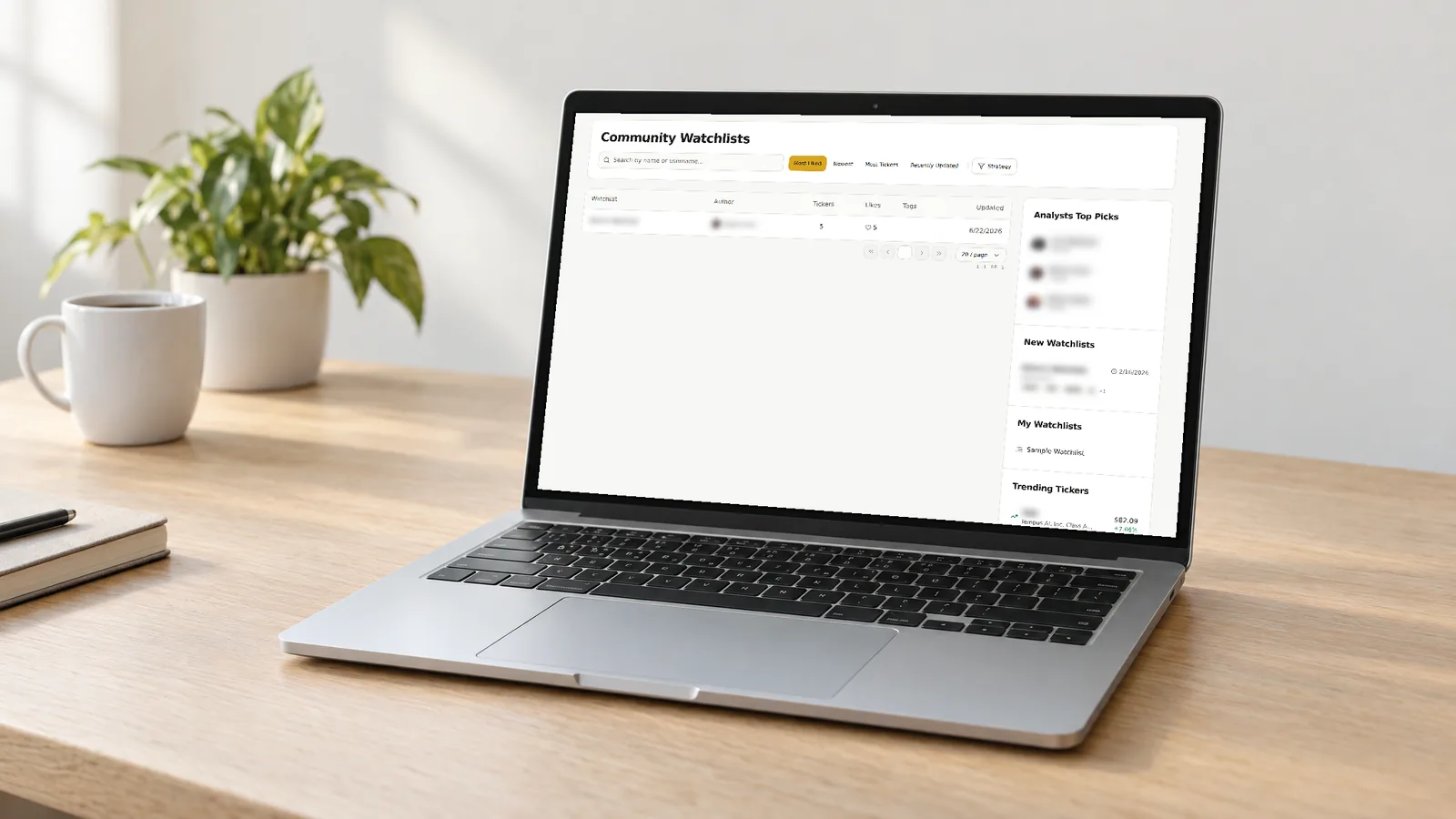
    The sidebar preview shows analyst links, the newest shared watchlists with their dates and ticker previews, and your own watchlists above the Trending Tickers section, with member details blurred. Trending Tickers lists the latest trading day's biggest percentage gainers, the top few from each market-cap group, as market context beside the shared lists.

    • Open the newest shared watchlists from the sidebar
    • Return to your own watchlists
    • See the top gainers in each market-cap group

    Open any list

    Open a public list to see each holding with market cap and P/E, then share its link.

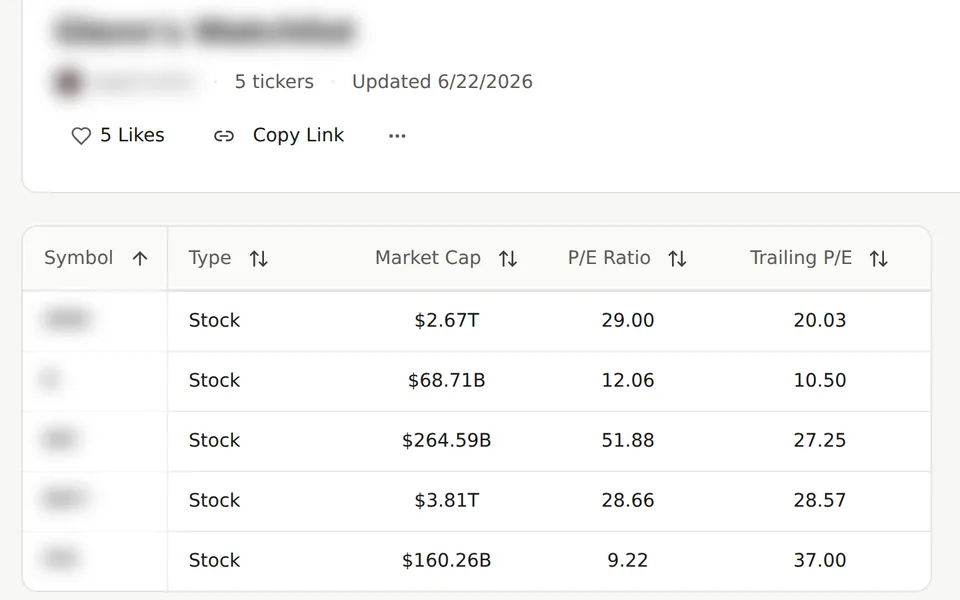
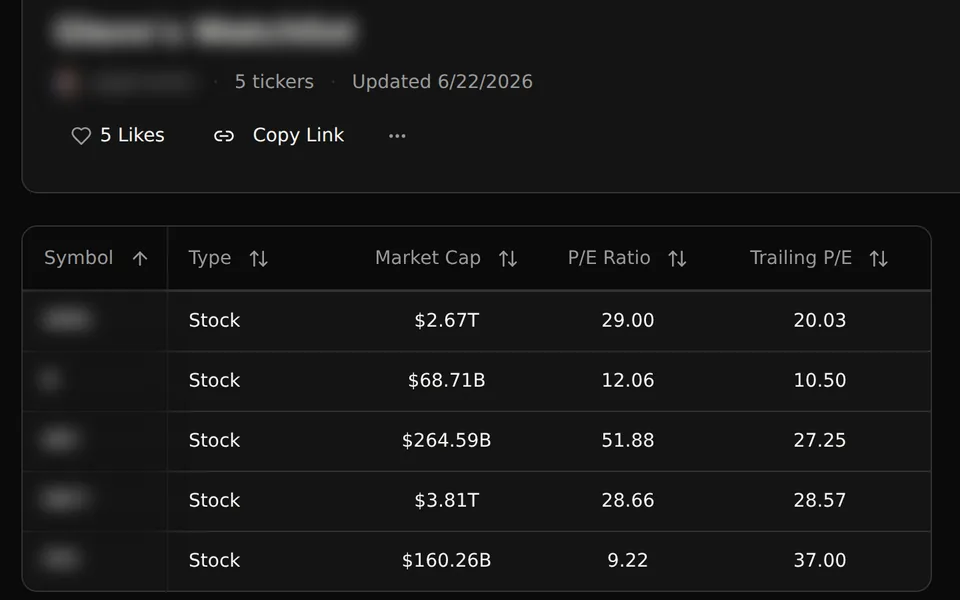
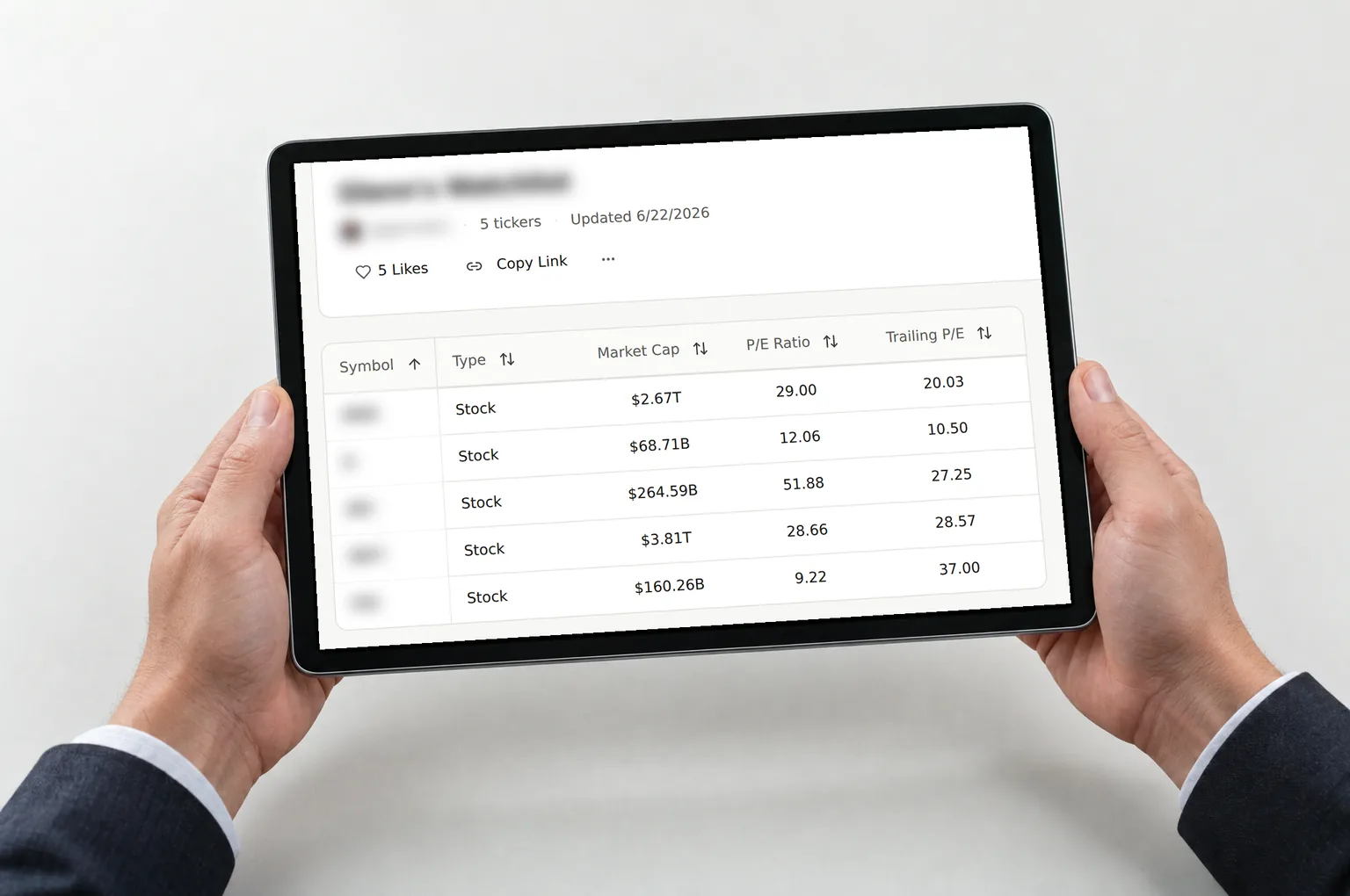
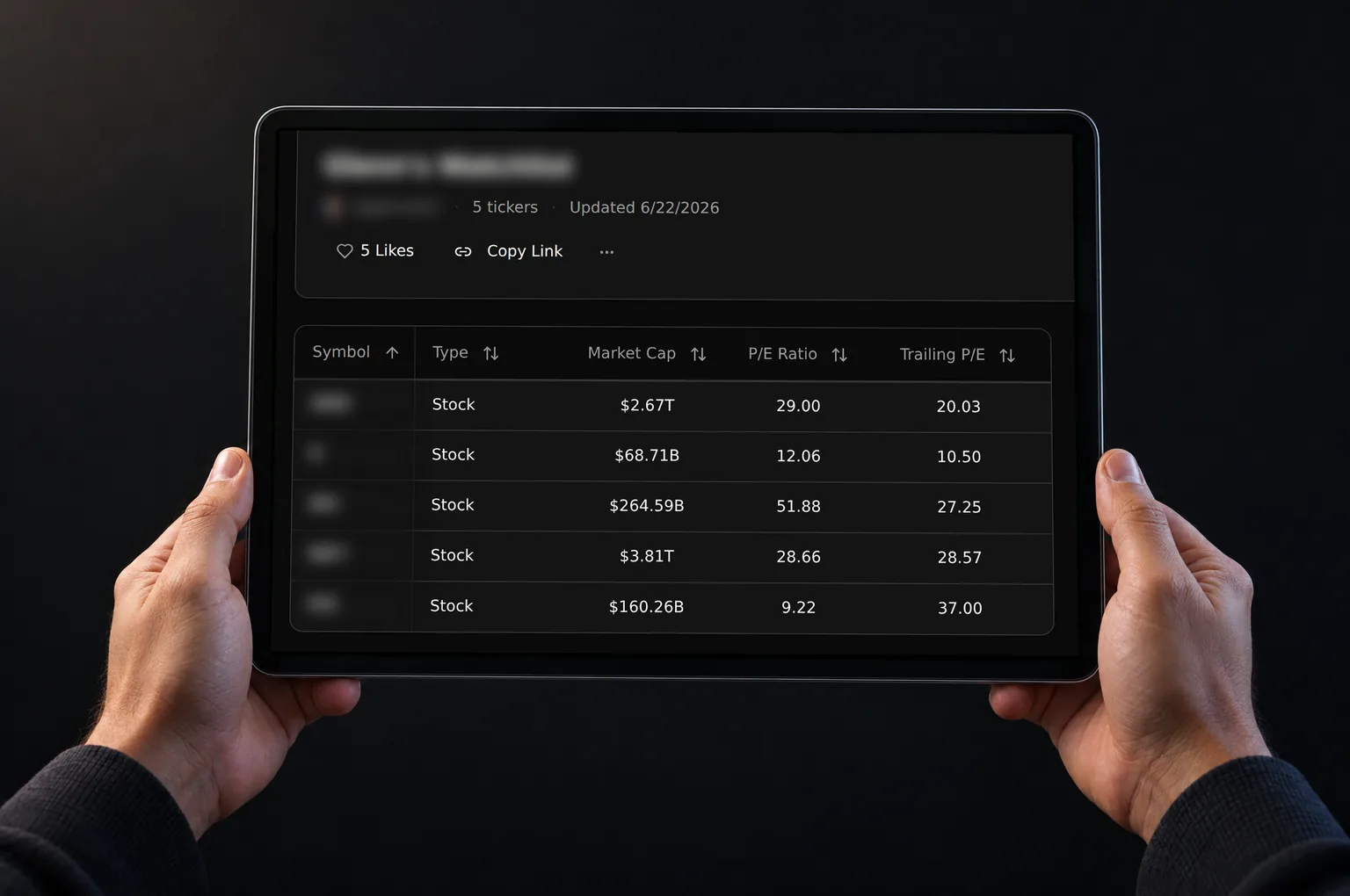
    An opened shared watchlist shows its stocks in a sortable table built from the author's column layout, with the ticker count, update date, Like and Copy Link above it. The preview shows type, market cap, P/E and trailing P/E columns with the list title, author and symbols blurred. Columns outside your plan stay locked, and notes the author marked public appear below the table.

    • See each stock in the author's column layout
    • Sort the table by a column
    • Copy the link to share the watchlist
    • Read the author's public notes below the table

    Features

    What you can do with Community Watchlists

    Find shared stock watchlists

    Search shared watchlists by list name, member name or username, then filter by strategy tags such as Growth, Dividend Income, Value or Momentum. Sort by Most Liked, Newest, Most Tickers or Recently Updated to put popular or fresh lists first.
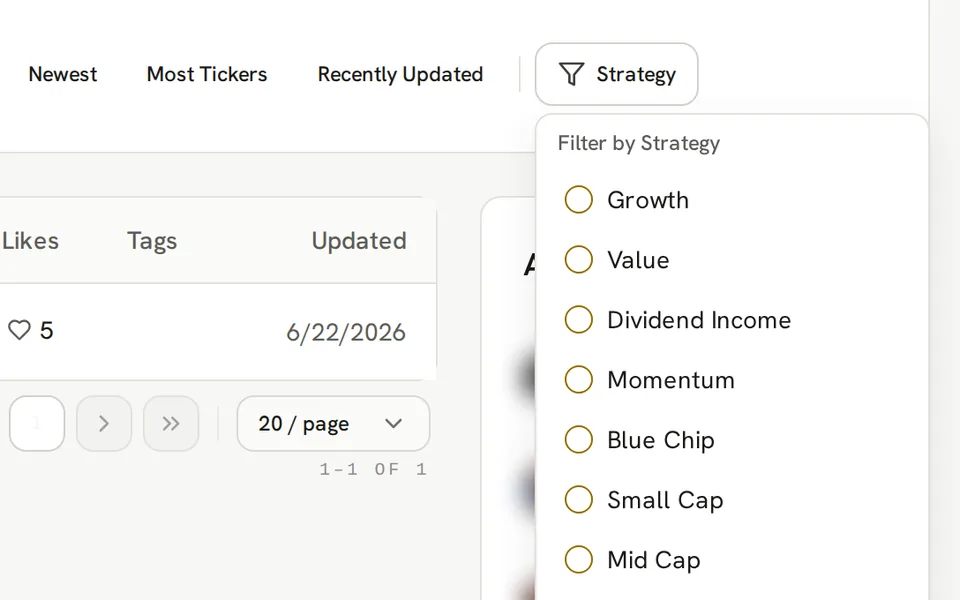
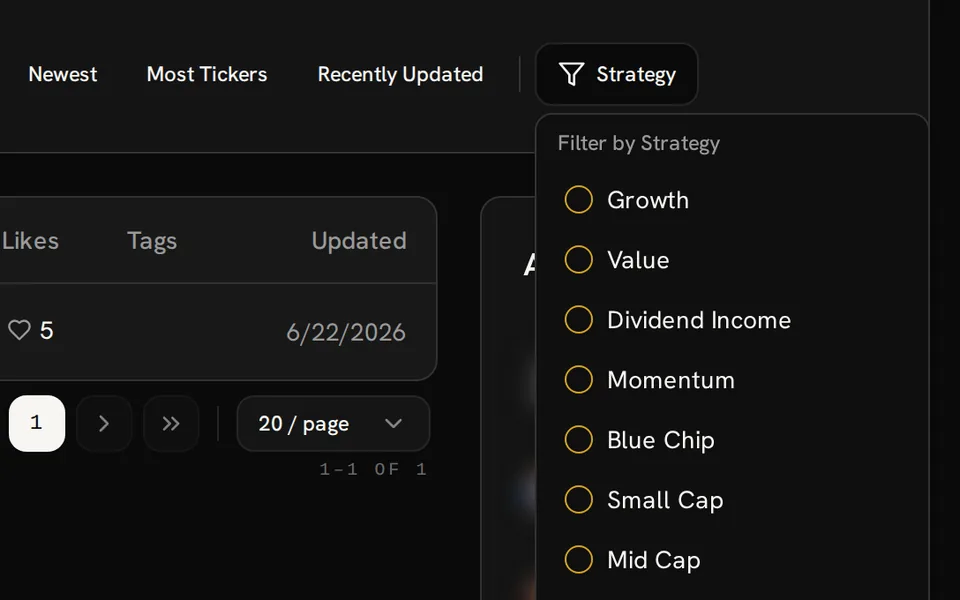
    Community Watchlists Strategy filter open with Growth, Value, Dividend Income and other tags beside sort controls.

    What a shared watchlist shows

    Each shared stock watchlist opens as a table in the columns the author picked, such as price, daily change, market cap, P/E or dividend yield. Sort the table, read the author's description, and review the ticker notes the author marked public.

    Shared watchlist with five stocks, type, market cap and P/E columns, Like and Copy Link controls; names and symbols are blurred.

    Share your own watchlist

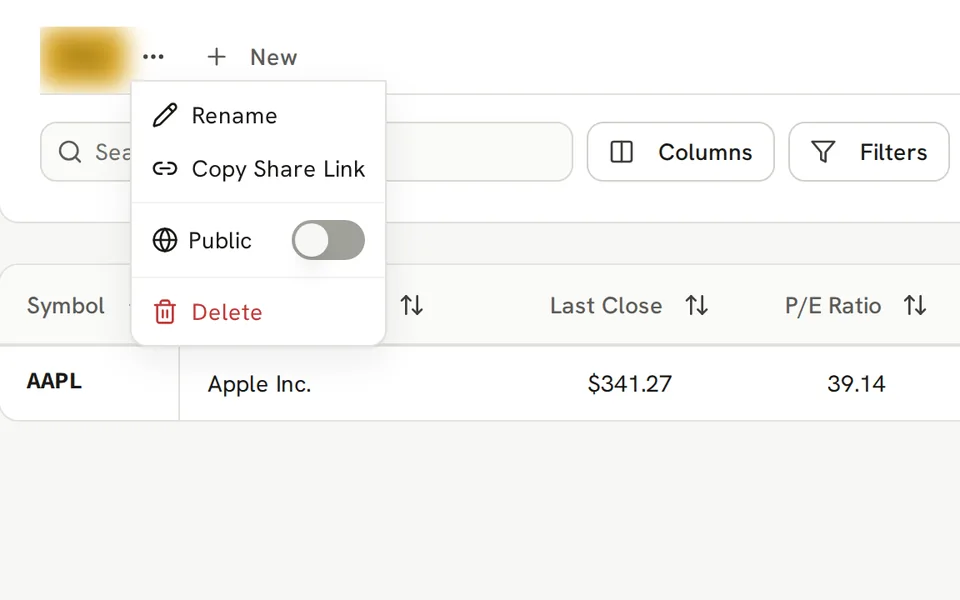
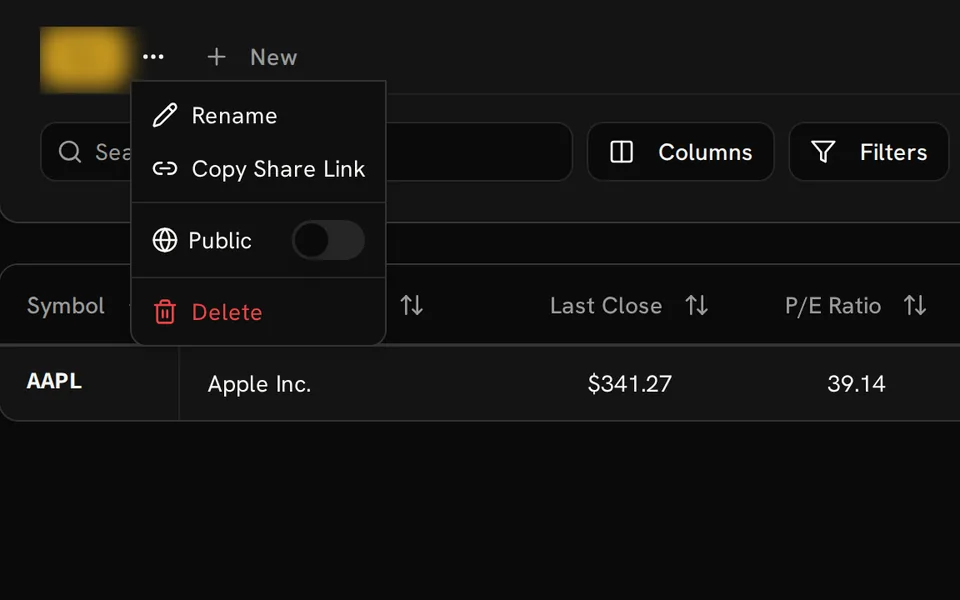
    On Pro Lite and higher plans, turn on Public in the My Watchlists list menu to share a watchlist. Add strategy tags so members can find it, choose which ticker notes to show, and use Copy Share Link to send it. Turn Public off at any time to make it private again.

    Watchlist menu showing Copy Share Link and the Public switch turned off above an Apple Inc. row; the watchlist name is blurred.

    Copy tickers to your list

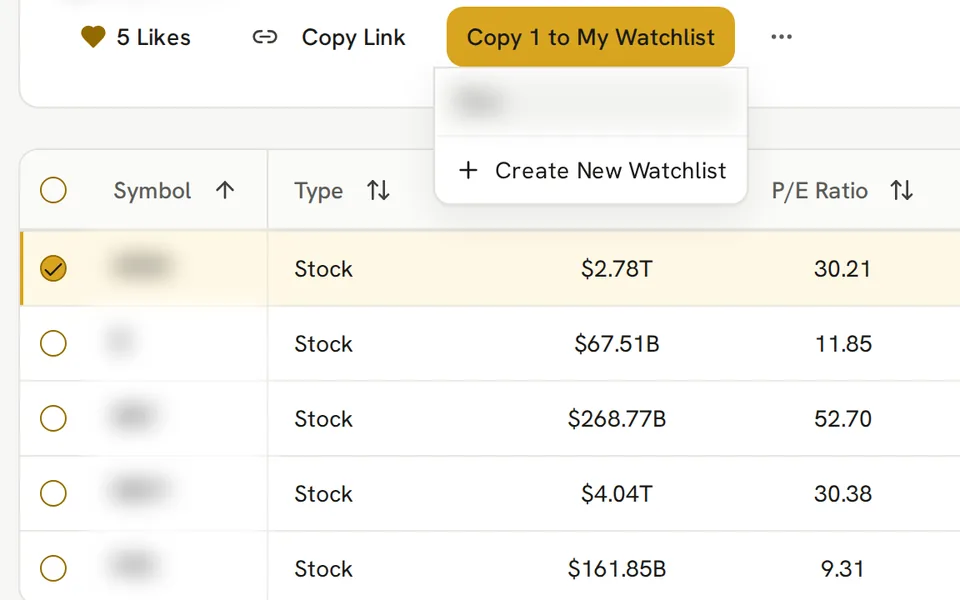
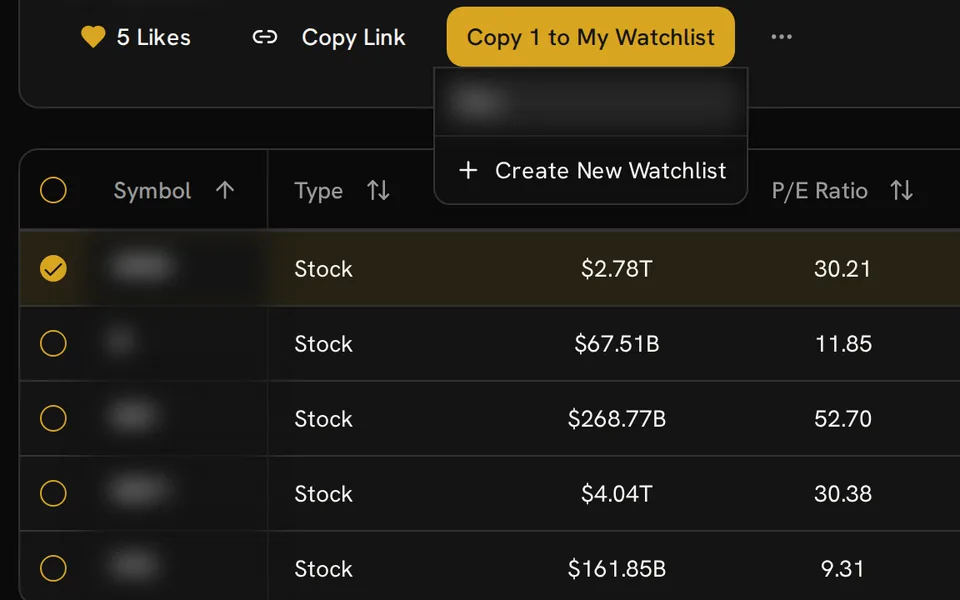
    On Pro Lite and higher plans, select companies in a public list and copy them into one of your watchlists or a new one. The author's list does not change, and a new list counts toward your plan's list allowance.

    Shared watchlist with one selected row and an open Copy to My Watchlist menu showing a blurred destination and Create New Watchlist.

    Likes, reports and blocks

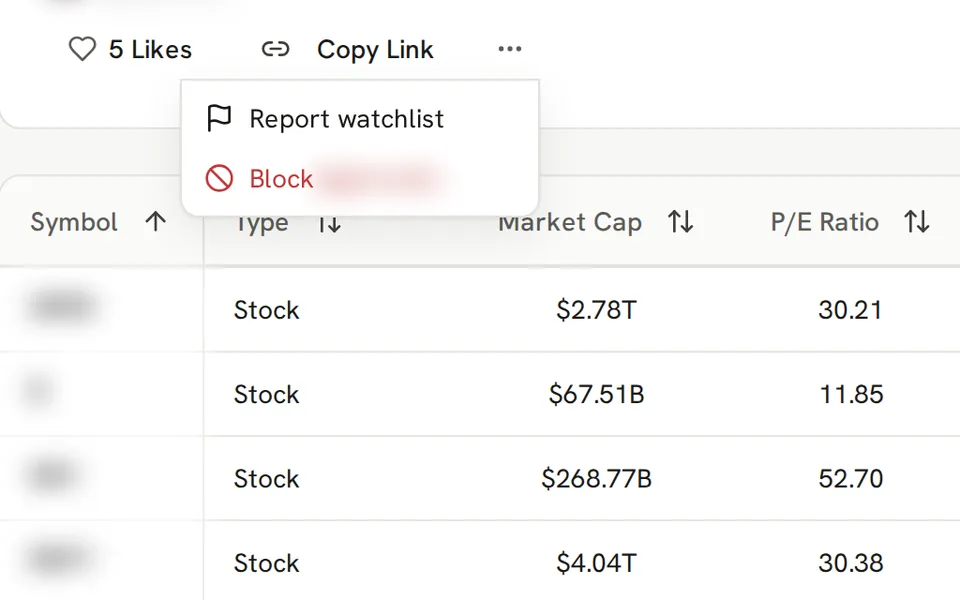
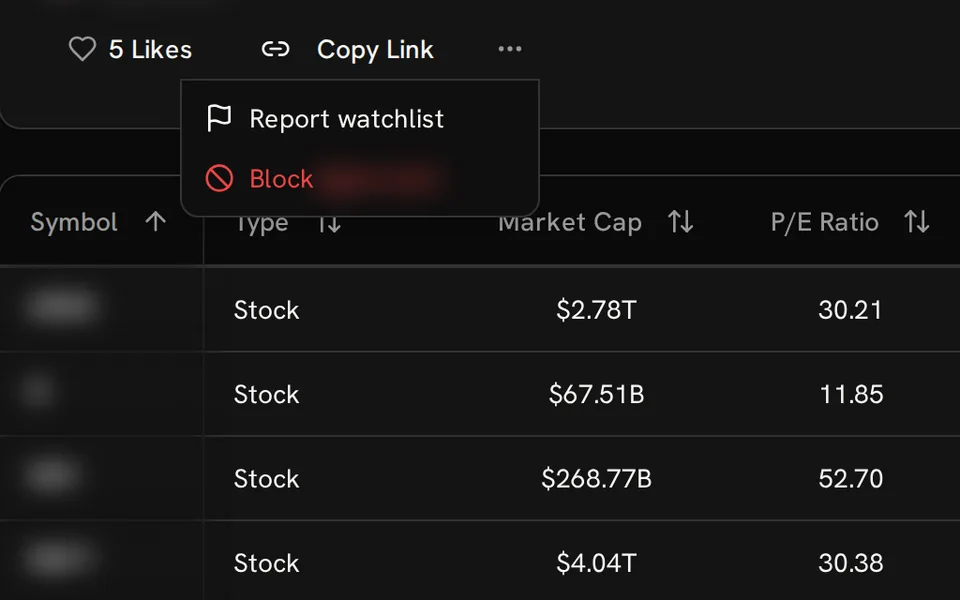
    Like a list you find useful and remove the like later. On another member's list, the moderation menu lets you report it or block its author, and lists from members you block no longer appear in your feed.

    Shared watchlist Like control and open menu with Report watchlist and Block options above a stock table; member names are blurred.

    Browse on mobile

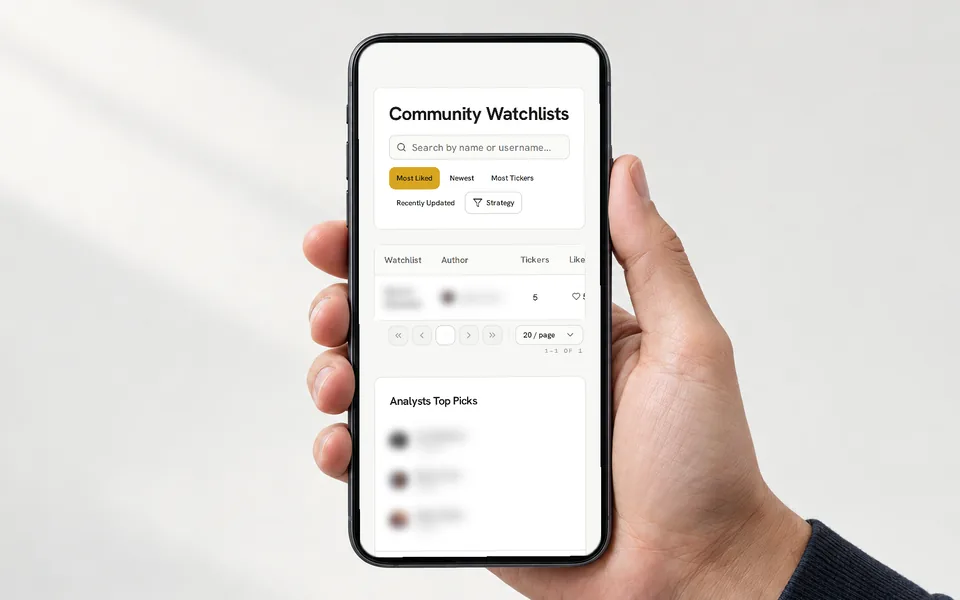
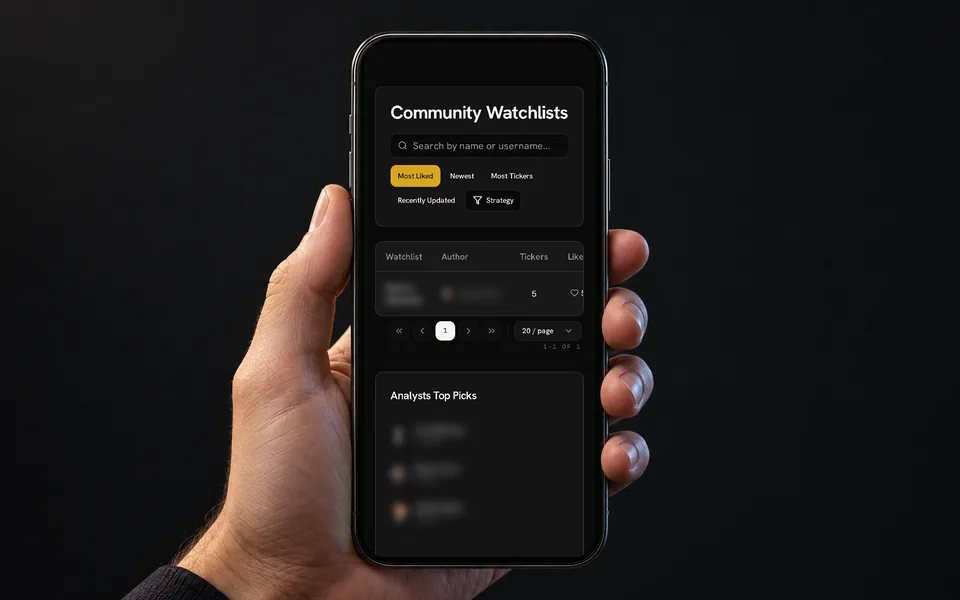
    The feed and sidebar stack on smaller screens. Open a list, scroll its company table sideways when needed, and read public notes below it. Search, sorting and list actions stay available on a phone.

    Hand holding a phone showing Community Watchlists search, sorting and a shared list above the stacked sidebar; member names are blurred.

    Getting started

    How Community Watchlists works

    1. Browse shared watchlists

      Sign in with a free GNG account, then search shared stock watchlists, filter by strategy tag, or sort by likes, date or ticker count.

    2. Open a watchlist

      Review the stocks in the author's columns, sort the table, and read the description and public notes before your own research.

    3. Copy or share watchlists

      Like useful lists and copy their links. With Pro Lite or higher, copy tickers into your own watchlist or share a watchlist of your own.

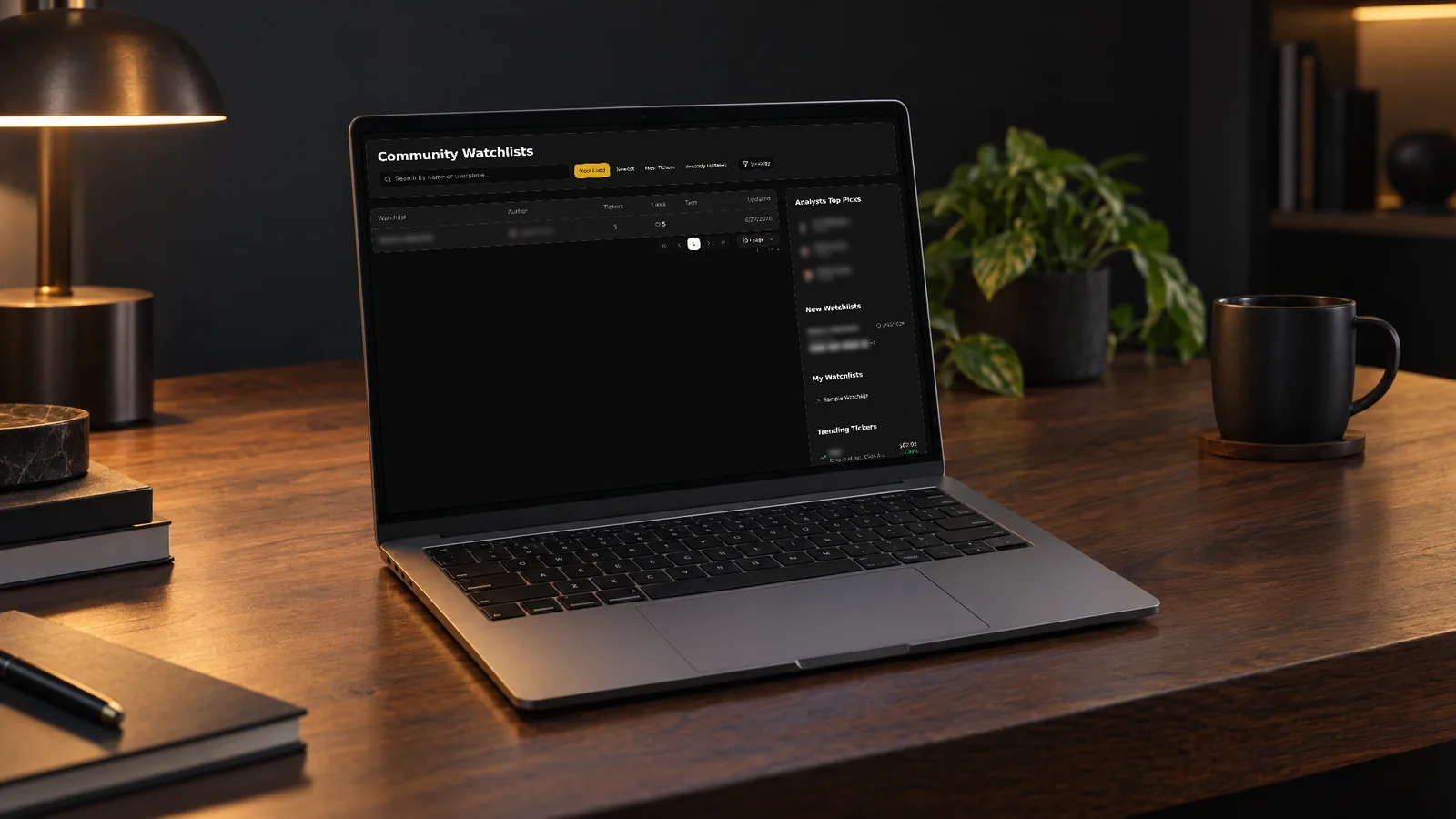
    Laptop on a desk showing the Community Watchlists page with search, sorting, a shared list and sidebar; member names are blurred.

    FAQ

    Common questions about Community Watchlists

    How do I share a stock watchlist?

    On Pro Lite or higher, open the list in My Watchlists, turn on Public in the list menu, then choose Copy Share Link. The list also appears in Community Watchlists, where members can find it by name, username or strategy tag.

    Are Community Watchlists free?

    Yes. Browsing shared stock watchlists and reading their public notes is free with a free GNG account. Pro Lite and higher plans add copying tickers into your own watchlists and sharing your own lists.

    Who can see a watchlist I share?

    Anyone signed in to GNG can open a public list, free accounts included. People who open your link without an account are asked to sign in first. The list page shows only the ticker notes you marked public, and turning Public off hides the list.

    What do members share in a public watchlist?

    A public list shows its tickers in the author's chosen columns, plus any description, strategy tags and ticker notes the author marked public. Market data in the table follows your own plan, so columns outside it stay locked.

    What are Trending Tickers on GNG?

    Elsewhere, trending often means unusual search, chat or trading activity. On GNG, Trending Tickers lists the latest trading day's biggest percentage gainers, the top few in each market-cap group of large, mid and small caps. It does not count how many members watch a stock.

    Are community watchlists stock recommendations?

    No. Each list reflects one member's own ideas. Lists are not GNG analyst recommendations or personal investment advice. GNG analysts publish their own picks in Top Picks, included with GNG Pro.

    Community Watchlists

    Create a free account to browse shared stock watchlists.

    Free to join. No credit card. Takes seconds.

    Hands holding a tablet showing a shared five-stock watchlist with market cap and P/E columns; names and symbols are blurred.

    Shared watchlists reflect members' own ideas and are not recommendations to buy or sell any security.