My Watchlists
Your free online watchlist of stocks
Keep a watchlist for stocks and ETFs you are researching, with last close, the day's change, P/E ratio, dividend yield and your notes side by side.
Free with a free GNG account. Paid plans add more lists and public sharing.
You must be logged in to view this page. Log in or create a free account.
Free to join. No credit card. Takes seconds.
Overview
A stock watchlist keeps the companies you are researching in one place until you decide whether to buy. My Watchlists is an online watchlist of stocks and ETFs that runs in your browser. Add stocks and ETFs by symbol or company name, compare last close, the day's change, P/E ratio and dividend yield side by side, and write a private note on why each ticker made the list. A personal watchlist is free with a free GNG account.
Use it as a dividend watchlist sorted by dividend yield, or as an ETF watchlist for funds you are comparing. Each list keeps its own custom columns, filters, and sort order, with an optional summary row, such as the average P/E ratio of the list. A watchlist needs no trades or share counts; when you buy, the Portfolio Tracker follows cost basis, cash, transactions, realized gains, and returns. Pro Lite and higher plans add more lists, public sharing, and copying tickers from lists other members share.
What you get
- Last close, P/E ratio and dividend yield on a free account
- Add stocks and ETFs by symbol, name, or a pasted list
- Notes on any ticker, private by default
- Works in any browser, on a computer or phone
- Custom columns, filters, and sorting for each list
- CSV, Excel, and PDF exports
Inside the tool
Prices at a glance
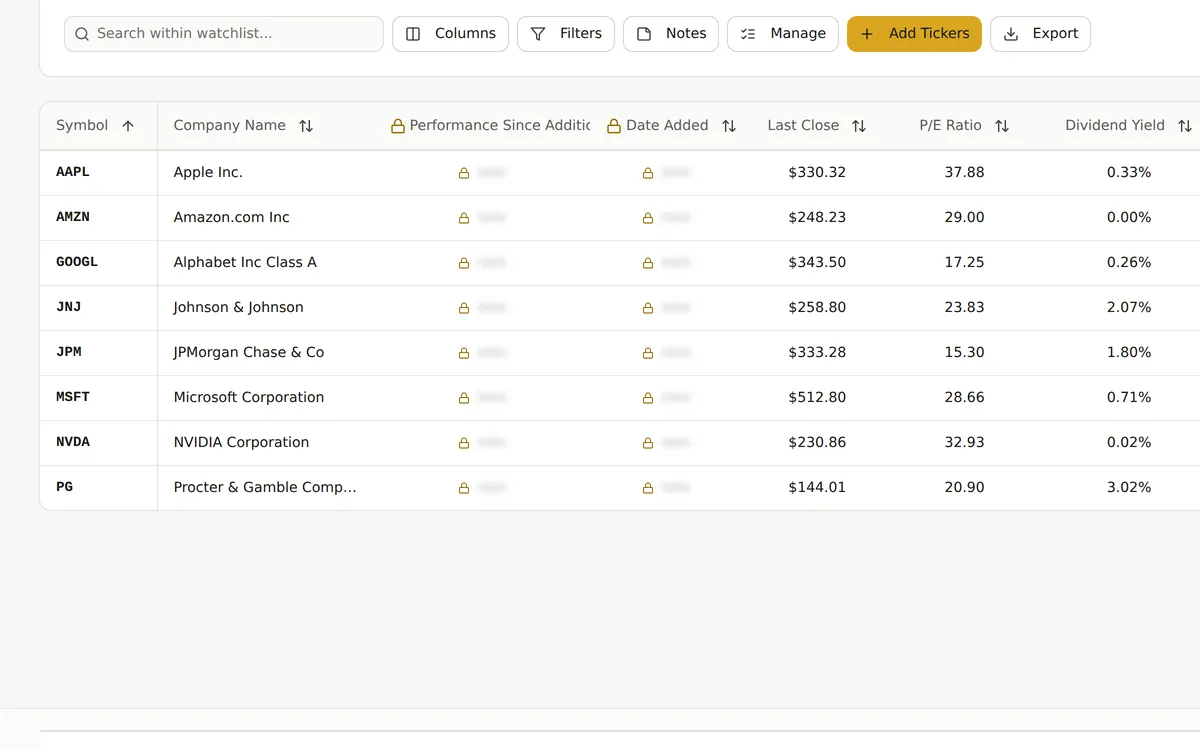
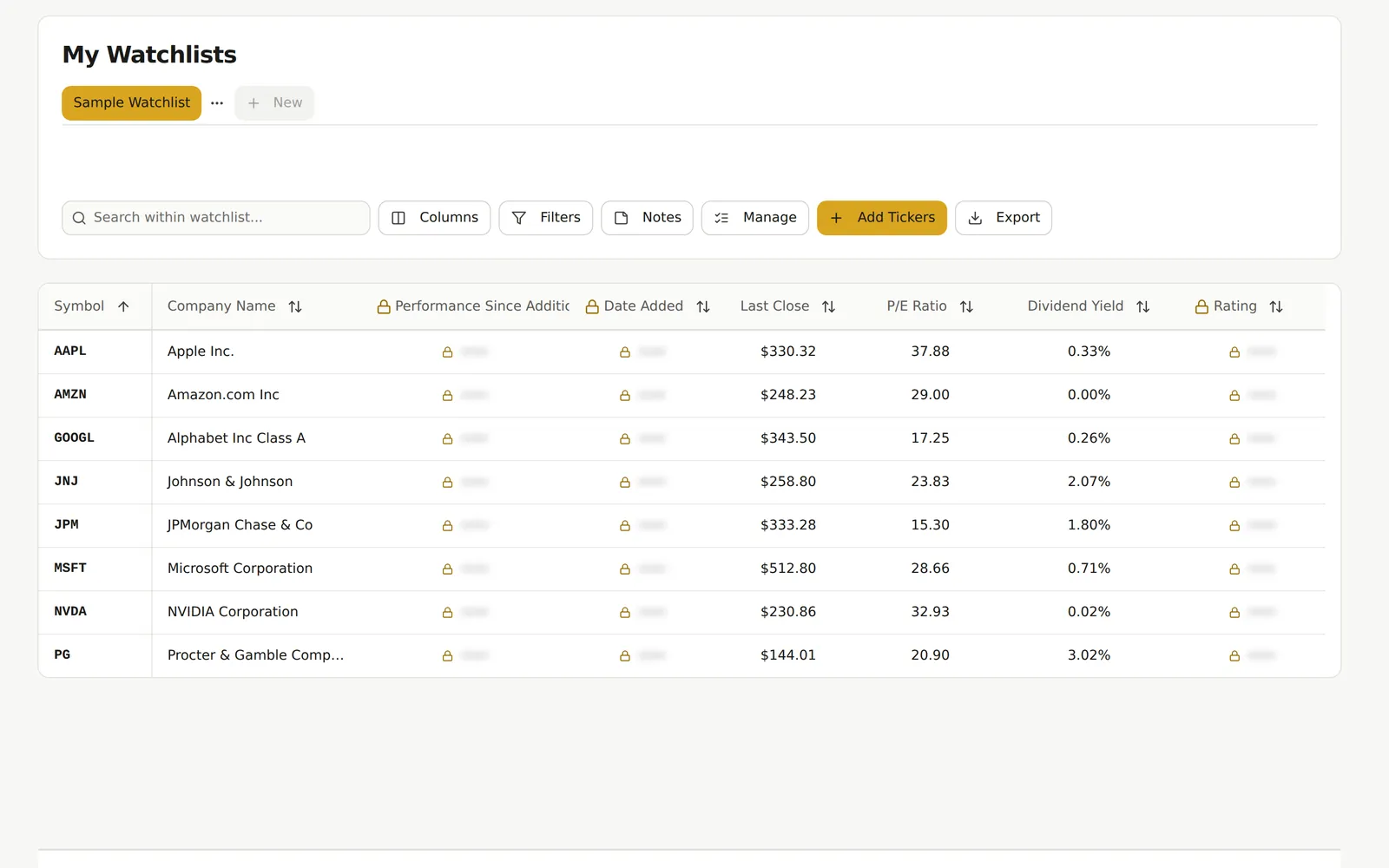
Each holding shows its last close, P/E ratio and dividend yield, and you choose the columns.
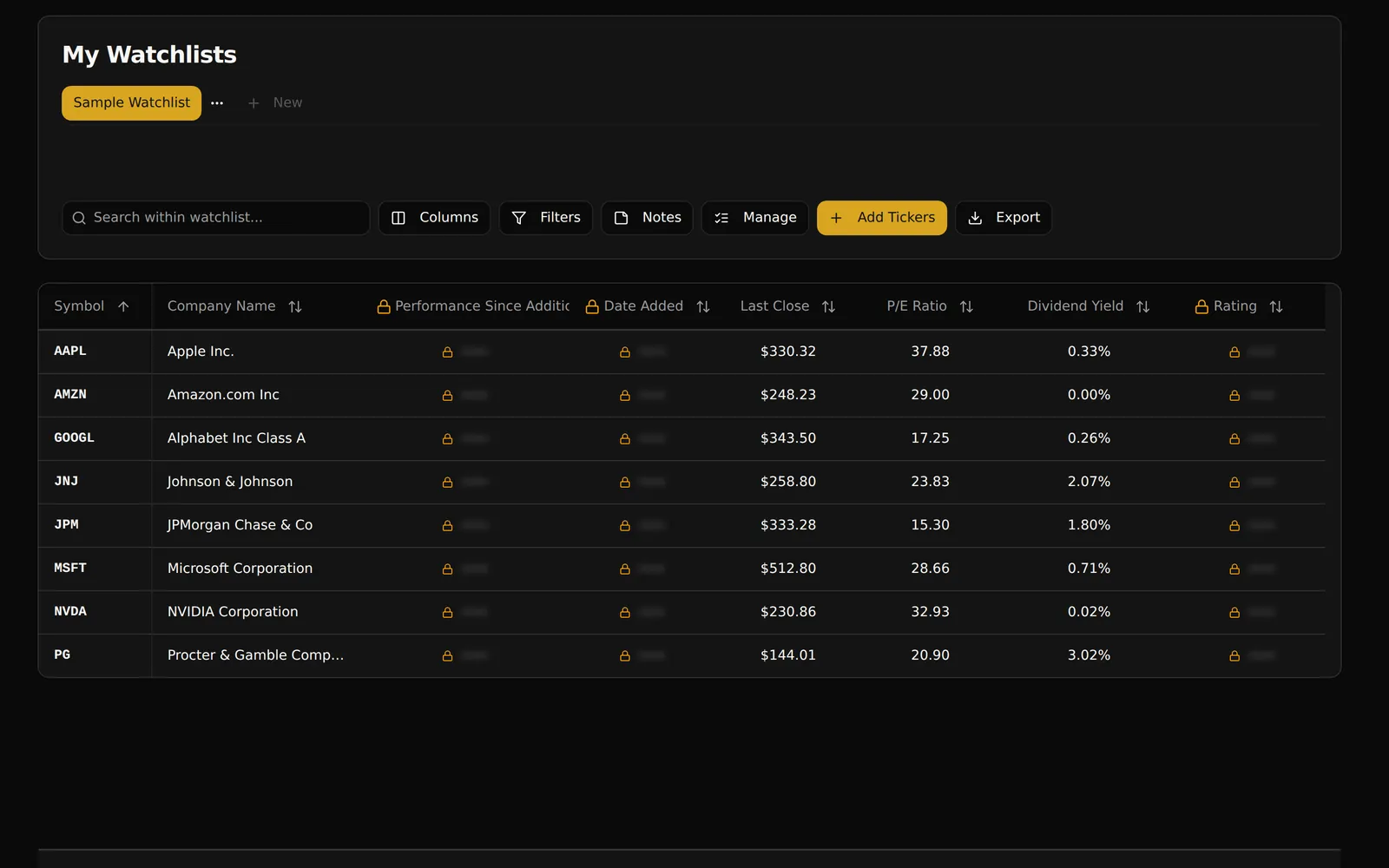
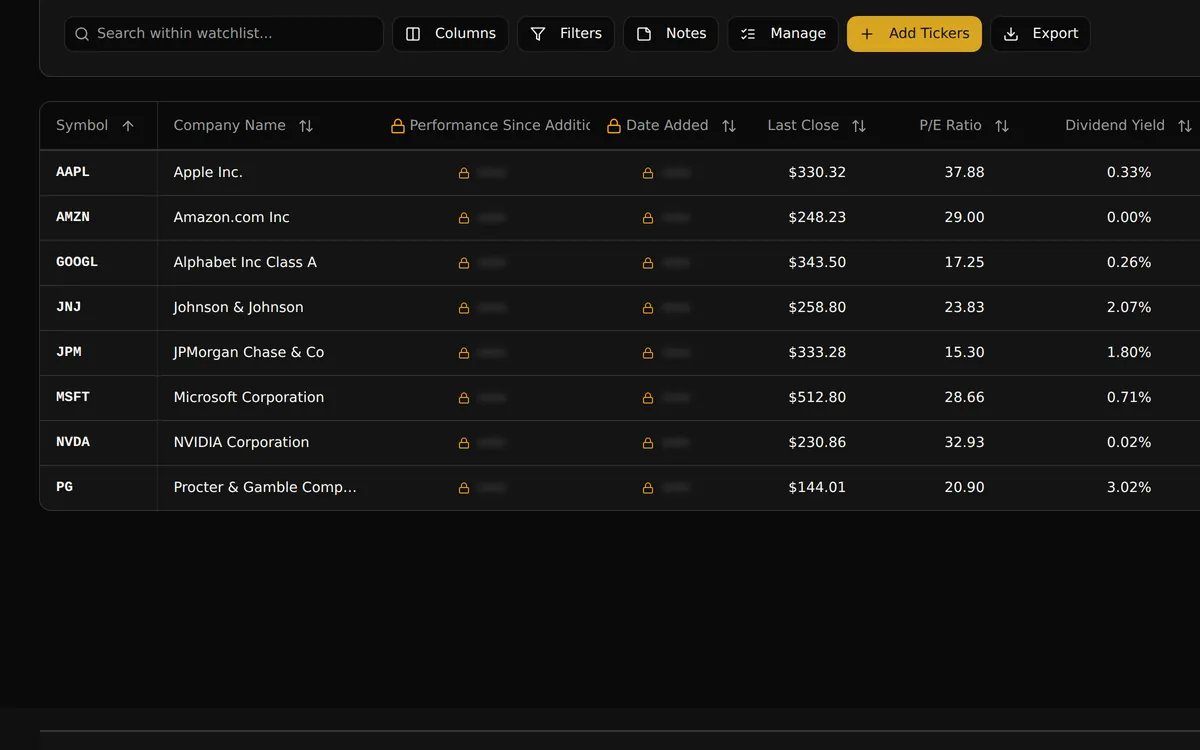
The sample stock watchlist shows eight large companies with last close, P/E ratio, and dividend yield. Click a column header to sort, open the column picker to add other metrics, and the list keeps that layout. Locked columns show where a paid plan is required.
- Sort the list by any column you show
- Pick columns from the same set the Research Terminal uses
Add any ticker
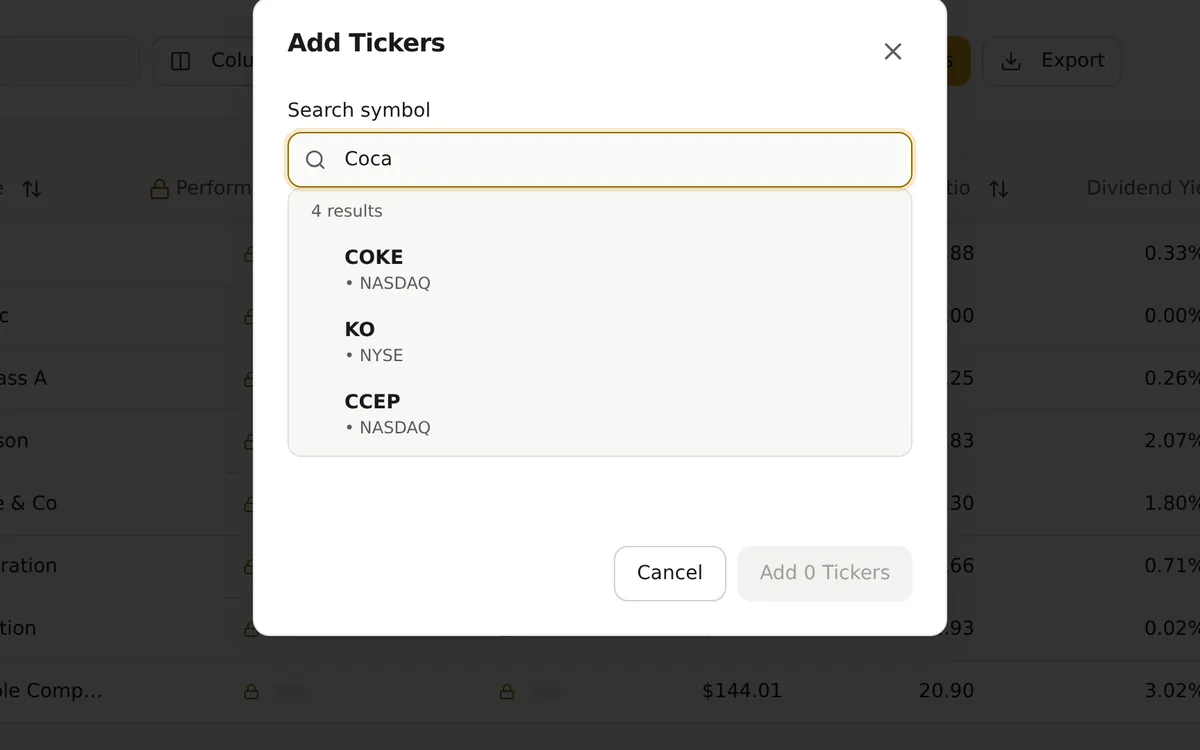
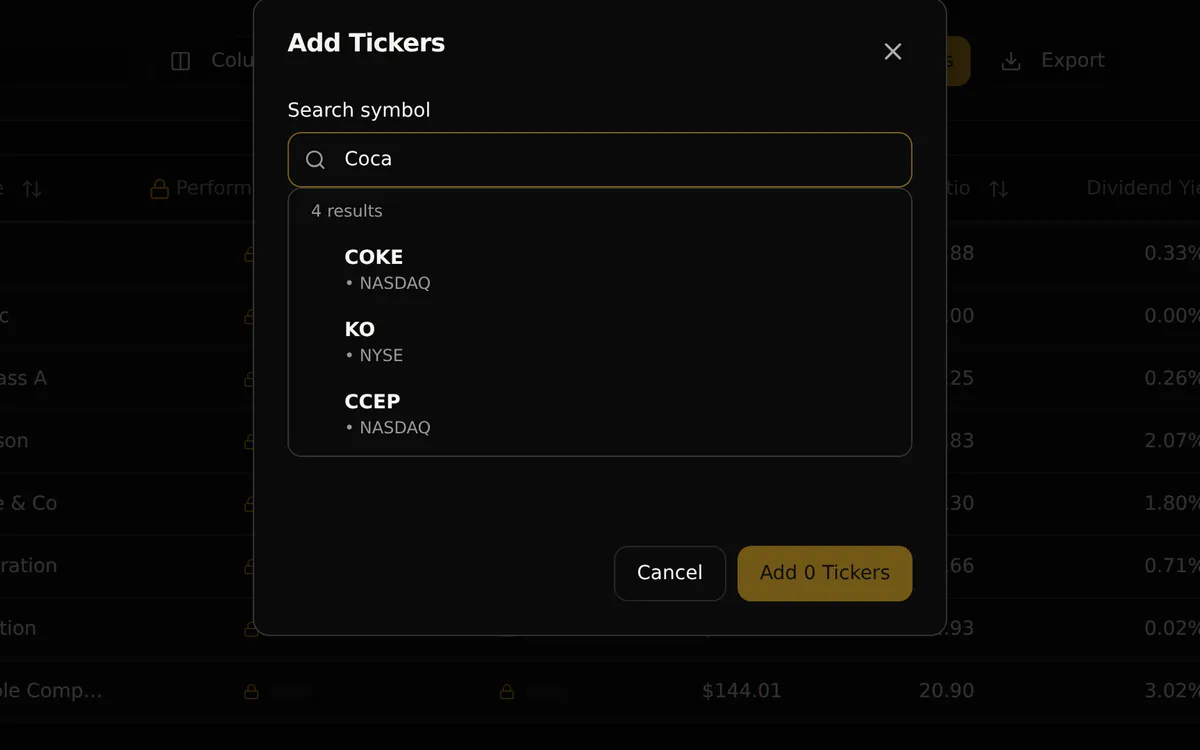
Search by ticker or company name and add one stock or a whole comma-separated list.
Add Tickers searches the stocks and ETFs we cover by symbol or company name and shows each match with its exchange, so you pick the right one. To add several at once, paste symbols separated by commas, up to your plan's ticker allowance. Any symbol we cannot find is marked not found.
- Search by symbol or company name
- Paste a comma-separated list to add several tickers at once
Capabilities
Private ticker notes
Write a note on any ticker about why it is on your stock watchlist or what you are waiting for, then reread it in the notes panel. Notes are private. On Pro Lite and higher, you can mark a note public when you share the list.
Custom columns and filters
Choose custom columns, combine metric filters, search within the list, and add a summary such as the sum, average, or median of a column. Each watchlist keeps its own settings, so switching lists brings back the layout you used there.
Organize your lists
Name and describe each watchlist, rename it as your research changes, and remove tickers you no longer follow. Manage mode selects several tickers at once for bulk actions, including moving them to another list when your plan includes more than one.
Export a shortlist
Download your stock watchlist as a CSV, Excel, or PDF file from the Export menu. The file uses your selected columns, and a column your plan does not include shows an upgrade note instead of a value.
Pro Lite extras
Pro Lite and higher plans add more lists, copying tickers from lists other members publish, and the option to make your own list public with strategy tags such as Growth or Dividend Income. Public lists appear in Community Watchlists, with only the notes you mark public.
Works on your phone
My Watchlists is a web app, so there is nothing to install. On a phone, each ticker becomes a card with its last close, the day's change, and your note, so you can check a name or update a note away from your desk.
How it works
Create your stock watchlist
Create a free GNG account, open My Watchlists, and name the list after one idea, such as dividend income or companies to research next.
Add your tickers
Search stocks and ETFs by symbol or company name, or paste a comma-separated list to add several at once.
Set your view
Pick custom columns, sort and filter the list, and write a note on why each ticker is there. Export it any time, or share it on Pro Lite and higher.
Common questions
- How do I make a stock watchlist?
- Create a free GNG account and open My Watchlists. Name the list after one idea, such as dividend income, then add stocks and ETFs by symbol or company name. Pick your columns and write a short note on why each ticker is on the list.
- Is there a free stock watchlist?
- Yes. My Watchlists is free with a free GNG account and includes a personal watchlist with last close, P/E ratio, and dividend yield columns. Pro Lite and higher plans add more lists, public sharing, and copying tickers from shared lists.
- Is there a stock watchlist app?
- My Watchlists is a web app that runs in your browser on a computer or phone, with nothing to install. On a phone, each ticker shows as a card with its last close, the day's change, and your note.
- How do I add stocks to my watchlist?
- Open Add Tickers and search by symbol or company name. To add several at once, paste symbols separated by commas, such as KO, PEP, JNJ, press Enter, then select Add, up to your plan's ticker allowance. Any symbol we cannot find is marked not found.
- What is a stock watchlist?
- A stock watchlist is a list of stocks and ETFs you follow but have not bought, kept with the prices and metrics you check most. A portfolio is different: it tracks shares you own, cost basis, and returns.
- Can I export my stock watchlist to Excel?
- Yes. The Export menu saves the list as a CSV, Excel, or PDF file with the columns you selected. A column your plan does not include shows an upgrade note instead of a value.
Create a free account and start your first stock watchlist.
Free to join. No credit card. Takes seconds.